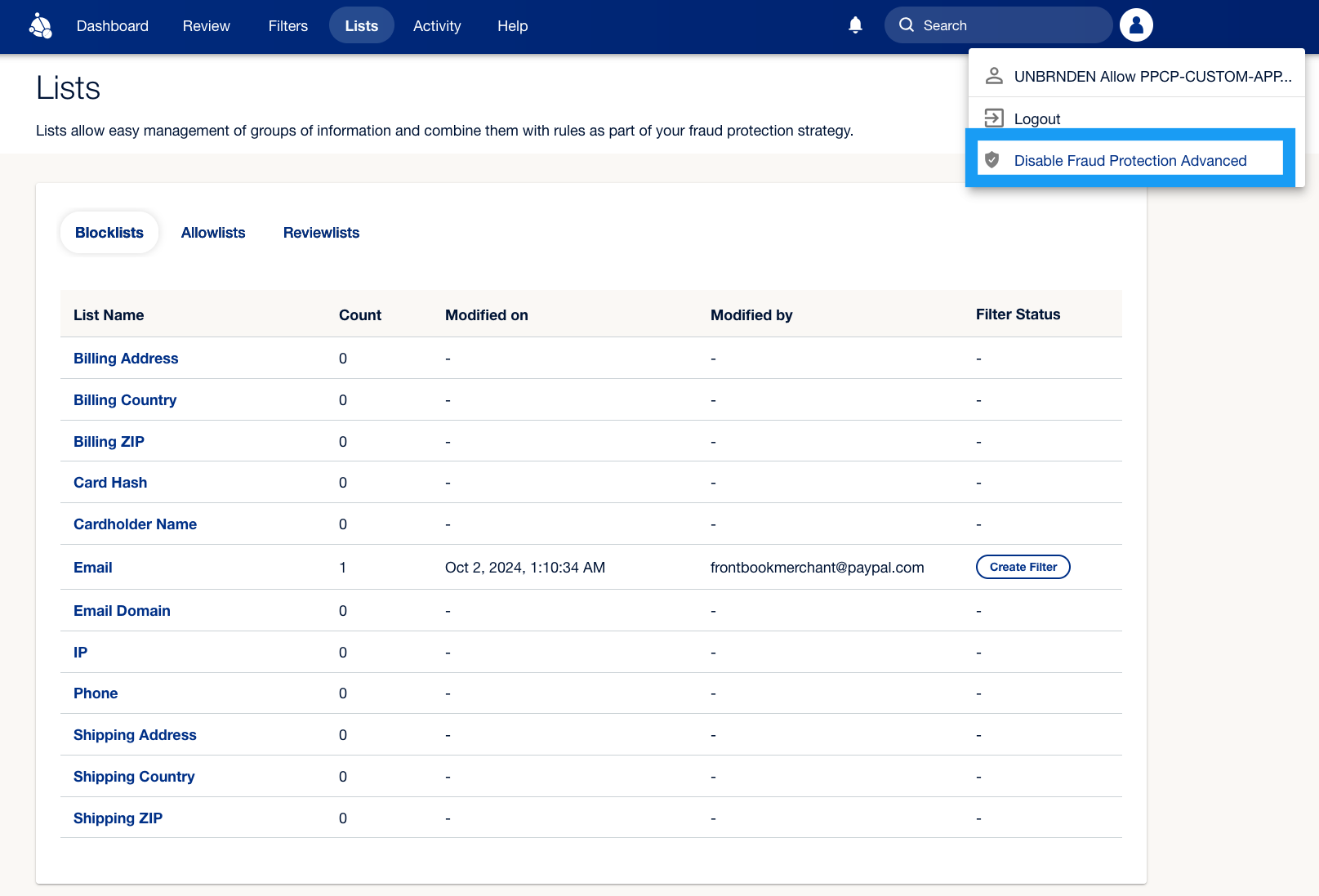
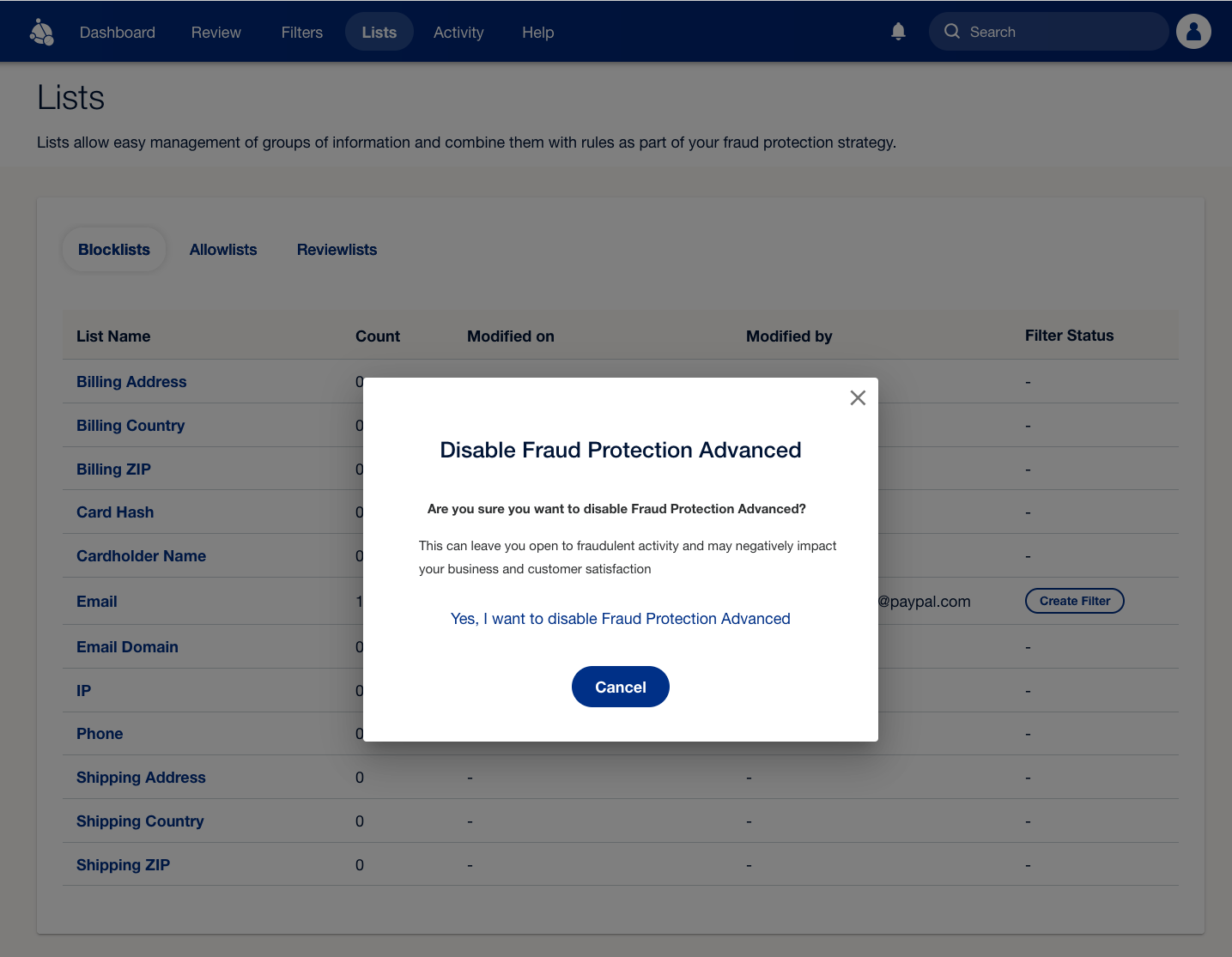
 2. Select **Yes, I want to disable Fraud Protection Advanced** to confirm your choice. Once confirmed, your account will no longer have any fraud protection in place.
 For more information, see [Activating FPA for direct merchants](/expanded/fpa/get-started/activate).