# Customize Pay Later messaging on Vortx (/v5/pay-later/vortx/us)
Promote PayPal Pay Later offers using messaging on your Vortx store.
PayPal offers short-term, interest-free payments and other special financing options that buyers can use to buy now and pay later. You get paid upfront at no additional cost unless you are in the US.
Pay Later messaging includes the following Pay Later offers which are available to US customers only:
* Pay in 4 - Eligible US buyers can pay in four interest-free payments for purchases of $30 to $1,500.
* Pay Monthly - Eligible US buyers can pay in 6, 12, or 24 monthly installments for purchases of $199 to $10,000.
## Know before you begin [#know-before-you-begin]
* Before you begin, learn more about [Pay Later offers](/pay-later/overview).
* US-based consumers are eligible for Pay Later offers across most of our integrations. As a merchant, you're eligible to promote Pay Later offers if you are based in the US with a US-facing website and a one-time payment integration. Promoting Pay Later offers is not available if you're using vaulted payments or subscriptions.
## How it works [#how-it-works]
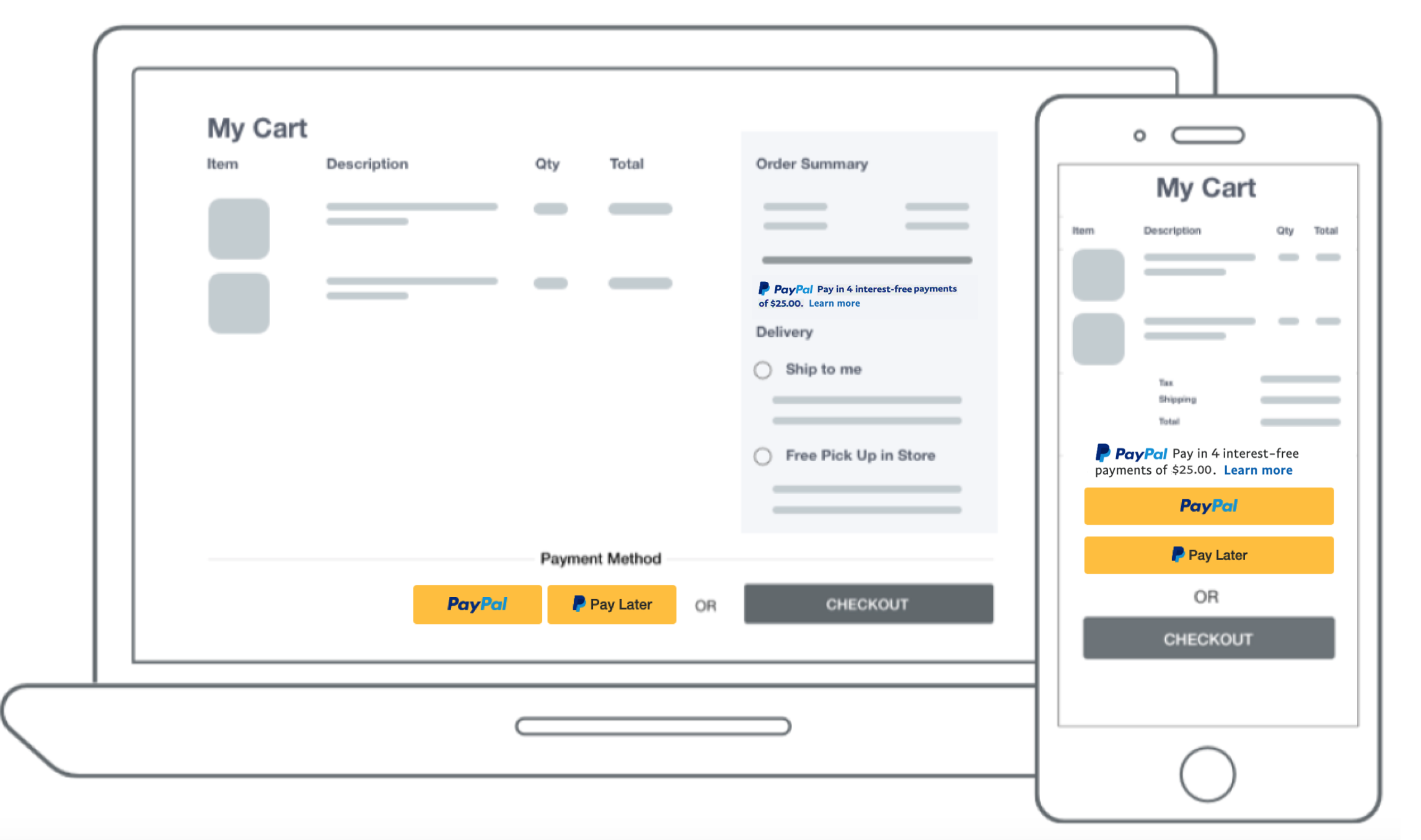
These are sample checkout pages with Pay Later messaging and button enabled for webpages and mobile devices.
 ## Enable the Pay Later button and messaging [#enable-the-pay-later-button-and-messaging]
1. Login to your Vortx Account.
2. Navigate to **Site Setup Wizard**.
3. Scroll down to the **Configure Wallets** section.
4. Select the **configure** link in the PayPal section.
## Enable the Pay Later button and messaging [#enable-the-pay-later-button-and-messaging]
1. Login to your Vortx Account.
2. Navigate to **Site Setup Wizard**.
3. Scroll down to the **Configure Wallets** section.
4. Select the **configure** link in the PayPal section.  5. Select **Connect with PayPal**. A login modal window opens.
 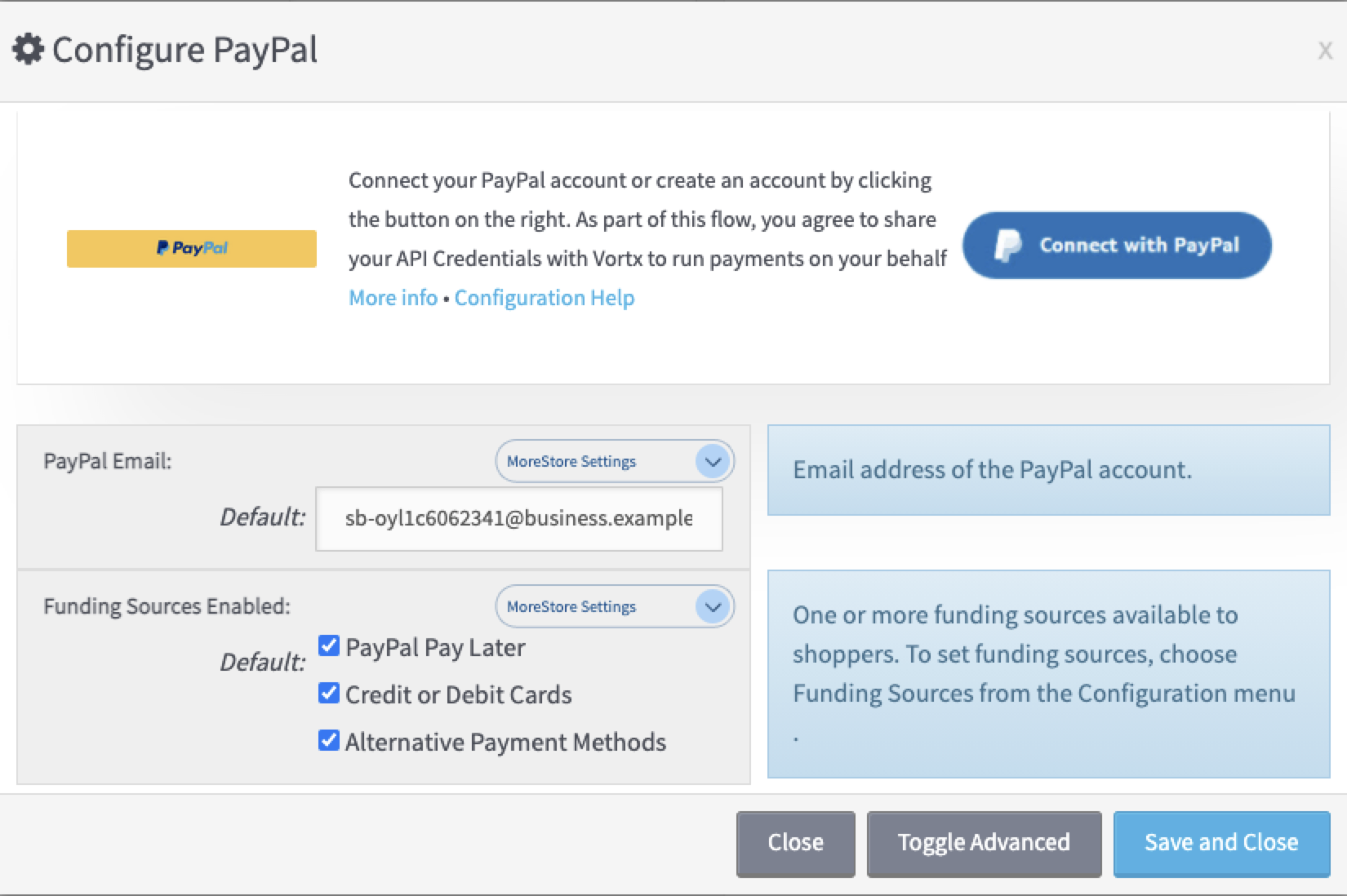 6. Sign in to your PayPal account and complete the Integrated Sign Up (ISU) process. A green connected label appears. Pay Later is auto-enabled.
 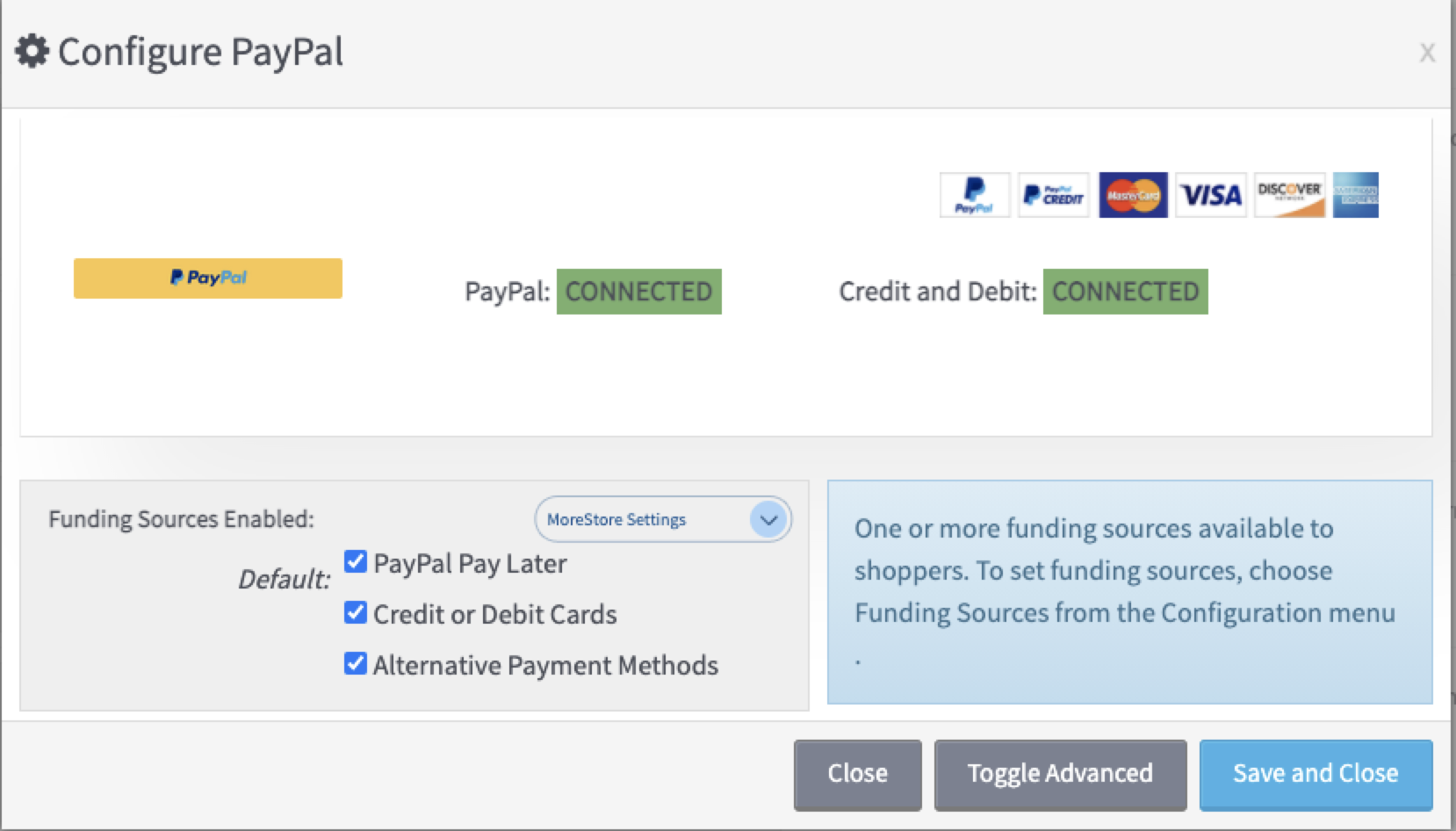 7. Select the **Save and Close** button to finish.
## See also [#see-also]
[See Vortx Payment Solutions](https://www.vortx.com/t-bnpl.aspx) for more information about PayPal integrations.
[Return to Commerce Platforms](/v5/pay-later/commerce-platforms/)
7. Select the **Save and Close** button to finish.
## See also [#see-also]
[See Vortx Payment Solutions](https://www.vortx.com/t-bnpl.aspx) for more information about PayPal integrations.
[Return to Commerce Platforms](/v5/pay-later/commerce-platforms/)