# Save payment methods (/v5/save-payment-methods/overview)
Enable faster checkouts by letting payers securely save payment methods with tokenization, streamlining future transactions without PCI compliance concerns.
Save payment methods so payers don't have to enter details for future transactions. Payers can check out faster or pay without being present after they agree to save a payment method.
Use the JavaScript SDK to save a payer's card if you aren't [PCI Compliant - SAQ A](https://www.pcisecuritystandards.org/pci_security/completing_self_assessment) but want to save credit or debit cards during checkout.
A payment method is saved and exchanged for a unique token through a process called tokenization. The token is stored securely and used instead of the original account number.
The benefits of using saved payment tokens include:
* Increased security by reducing opportunities for data theft.
* Simplified payment processing.
* Helps maintain Payment Card Industry Data Security Standard compliance.
## Save payment methods with or without transaction [#save-payment-methods-with-or-without-transaction]
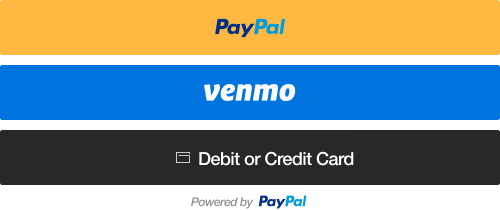
* **With a transaction** - The customer's payment method is saved during checkout. They can select it again at checkout for faster transactions.
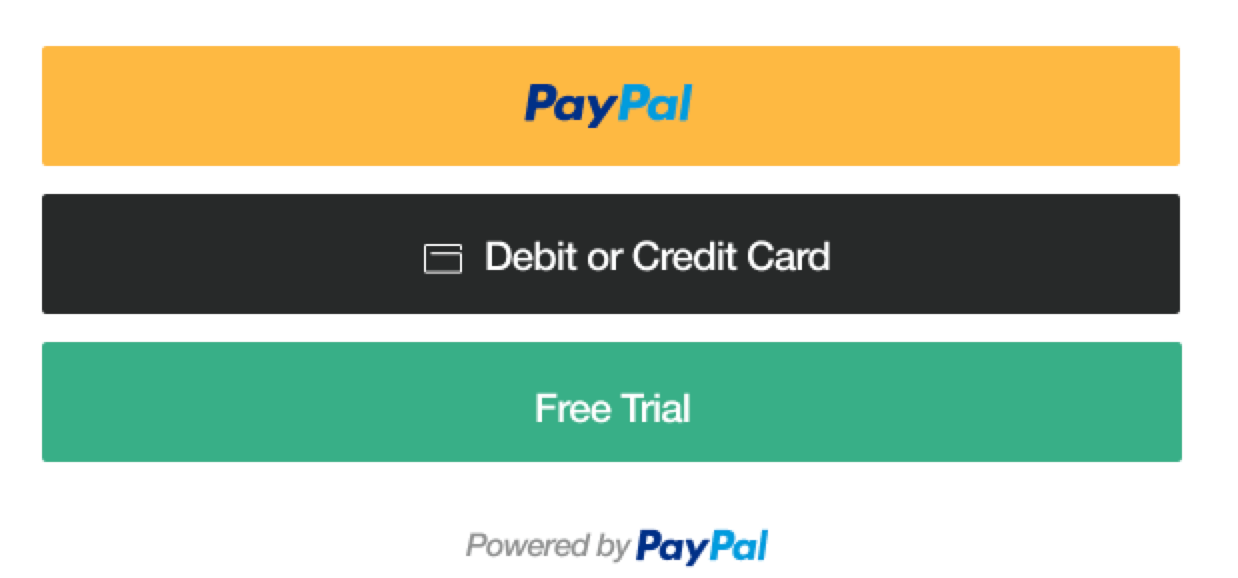
* **Without a transaction** - The customer's payment method is saved without checkout. Customers don't have to be present for future transactions. A common use case is offering a free trial of a product and charging customers later.
## Payer flow [#payer-flow]
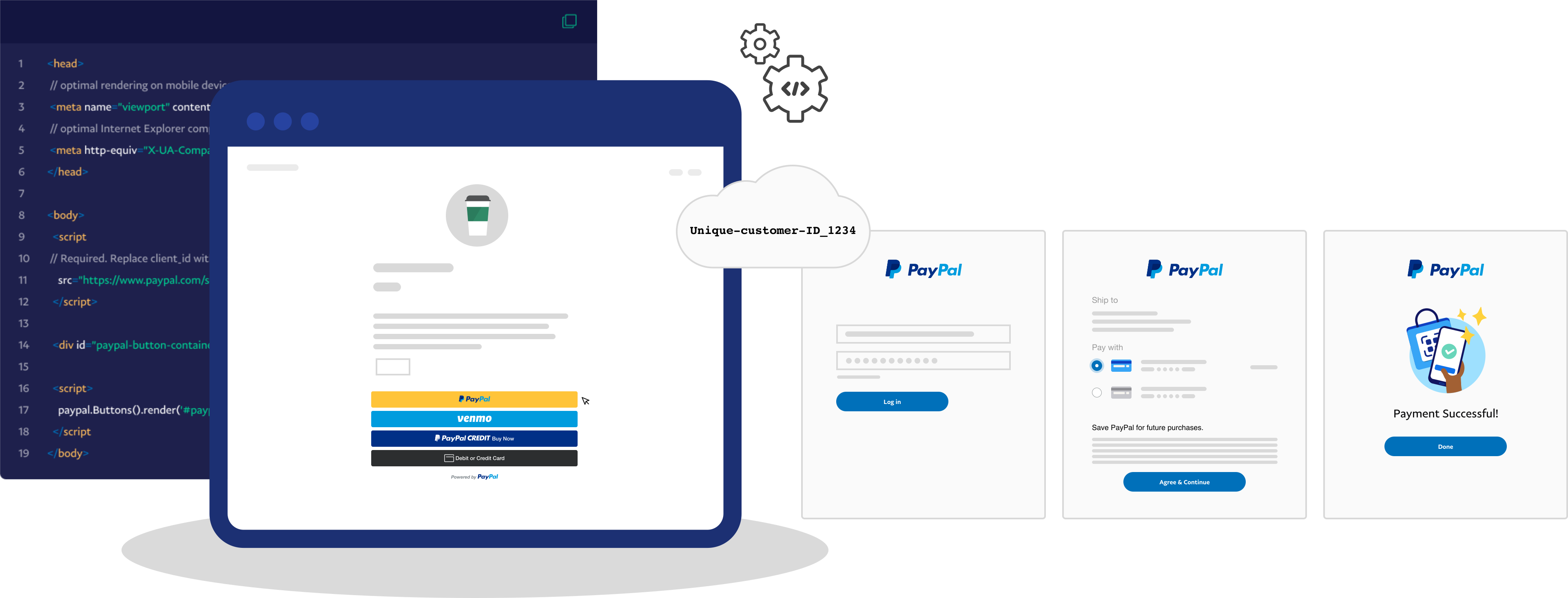
1. The payer begins the checkout experience.
2. The payer chooses to save their payment method.
3. You identify the payer with a unique customer ID. When the buyer returns to your website and is ready to check out, pass their customer ID to PayPal. This indicates that the payer wants to save or reuse a saved payment method.
4. If the payer chooses PayPal as their payment method, the payer completes a billing agreement. There's no billing agreement required for card payments.
5. When the payer returns to your website, each saved payment method displays as a one-click button on the checkout page.
 **Supports transactions with or without payer present**
You can save a payment method for on or off-session purchases. If the payer is present, they can select to pay with their saved payment method, or a different one. If the payer is not present, you can charge their saved payment method.
**Supports transactions with or without payer present**
You can save a payment method for on or off-session purchases. If the payer is present, they can select to pay with their saved payment method, or a different one. If the payer is not present, you can charge their saved payment method.
 ## Supported payment methods [#supported-payment-methods]
PayPal can save the following payment methods to the vault:
* Credit and debit cards
* PayPal Wallets
* Venmo
## Eligibility [#eligibility]
To save credit and debit cards, ensure you are approved to process [Expanded Checkout](/v5/expanded/overview/).
See supported countries:
* Australia
* Austria
* Belgium
* Bulgaria
* Canada
* China
* Cyprus
* Czech Republic
* Denmark
* Estonia
* Finland
* France
* Germany
* Hong Kong
* Hungary
* Ireland
* Italy
* Latvia
* Liechtenstein
* Lithuania
* Luxembourg
* Malta
* Netherlands
* Norway
* Poland
* Portugal
* Romania
* Singapore
* Slovakia
* Slovenia
* Spain
* Sweden
* United Kingdom
* United States
## Set up your account to save payment methods [#set-up-your-account-to-save-payment-methods]
Enable PayPal vaulting in your Developer Dashboard for production.
1. Log in to the [PayPal Developer Dashboard](https://developer.paypal.com/home/).
2. In the navigation menu, use the **Sandbox | Live** toggle to select **Live**.
3. Access **Apps & Credentials**.
4. Select the production REST API app name.
5. To enable vaulting for your account:
1. Go to **Features** > **Payment capabilities**.
2. In the **Payment capabilities** menu, select the **Save payment methods** toggle to enable vaulting.
6. To add the ability to save PayPal and Venmo payment methods:
1. Go to **Features** > **Payment methods**.
2. In the **Payment methods** menu, select the **PayPal and Venmo** toggle so you can save PayPal and Venmo payment options.
> **Warning:** PayPal requires Risk Data Acquisition (RDA) to reduce fraud. You must implement risk data collection for all customer-initiated transactions (CIT) that use PayPal and Venmo Payment Tokens. Payment attempts that are missing RDA data are likely to be declined due to insufficient risk identifiers. Use the PayPal
>
> [FraudNet](/ratepay/fraudnet)
>
> and
>
> [Magnes](/limited-release/magnes)
>
> libraries to collect and pass RDA data during payment processing.
## Options [#options]
> **Info:** ### Save during purchase [#save-during-purchase]
>
> * Save cards, PayPal, and Venmo with the JS SDK
> * Save cards and PayPal with the Orders API
>
>
## Supported payment methods [#supported-payment-methods]
PayPal can save the following payment methods to the vault:
* Credit and debit cards
* PayPal Wallets
* Venmo
## Eligibility [#eligibility]
To save credit and debit cards, ensure you are approved to process [Expanded Checkout](/v5/expanded/overview/).
See supported countries:
* Australia
* Austria
* Belgium
* Bulgaria
* Canada
* China
* Cyprus
* Czech Republic
* Denmark
* Estonia
* Finland
* France
* Germany
* Hong Kong
* Hungary
* Ireland
* Italy
* Latvia
* Liechtenstein
* Lithuania
* Luxembourg
* Malta
* Netherlands
* Norway
* Poland
* Portugal
* Romania
* Singapore
* Slovakia
* Slovenia
* Spain
* Sweden
* United Kingdom
* United States
## Set up your account to save payment methods [#set-up-your-account-to-save-payment-methods]
Enable PayPal vaulting in your Developer Dashboard for production.
1. Log in to the [PayPal Developer Dashboard](https://developer.paypal.com/home/).
2. In the navigation menu, use the **Sandbox | Live** toggle to select **Live**.
3. Access **Apps & Credentials**.
4. Select the production REST API app name.
5. To enable vaulting for your account:
1. Go to **Features** > **Payment capabilities**.
2. In the **Payment capabilities** menu, select the **Save payment methods** toggle to enable vaulting.
6. To add the ability to save PayPal and Venmo payment methods:
1. Go to **Features** > **Payment methods**.
2. In the **Payment methods** menu, select the **PayPal and Venmo** toggle so you can save PayPal and Venmo payment options.
> **Warning:** PayPal requires Risk Data Acquisition (RDA) to reduce fraud. You must implement risk data collection for all customer-initiated transactions (CIT) that use PayPal and Venmo Payment Tokens. Payment attempts that are missing RDA data are likely to be declined due to insufficient risk identifiers. Use the PayPal
>
> [FraudNet](/ratepay/fraudnet)
>
> and
>
> [Magnes](/limited-release/magnes)
>
> libraries to collect and pass RDA data during payment processing.
## Options [#options]
> **Info:** ### Save during purchase [#save-during-purchase]
>
> * Save cards, PayPal, and Venmo with the JS SDK
> * Save cards and PayPal with the Orders API
>
>  >
> [Read the guides](/v5/save-with-purchase/overview)
> **Info:** ### Save for purchase later [#save-for-purchase-later]
>
> * Save cards and PayPal for future transactions
> * Save payment methods outside of the checkout process
> * Uses the Vault Payment Methods API
>
>
>
> [Read the guides](/v5/save-with-purchase/overview)
> **Info:** ### Save for purchase later [#save-for-purchase-later]
>
> * Save cards and PayPal for future transactions
> * Save payment methods outside of the checkout process
> * Uses the Vault Payment Methods API
>
>  >
> [Read the guides](/v5/save-without-purchase/overview)
## See also [#see-also]
* [Orders API](/api/orders/v2)
* [Payment Method Tokens API](/api/payment-tokens/v3)
* [Set up Expanded Checkout](/v5/expanded/overview/)
* [Set up PayPal Checkout](/checkout/integrate)
>
> [Read the guides](/v5/save-without-purchase/overview)
## See also [#see-also]
* [Orders API](/api/orders/v2)
* [Payment Method Tokens API](/api/payment-tokens/v3)
* [Set up Expanded Checkout](/v5/expanded/overview/)
* [Set up PayPal Checkout](/checkout/integrate)