On this page
No Headings
Last updated: August 3, 2026
This product is deprecated and should not be used for new integrations. Use Payment Links and Buttons instead. For information about migrating, visit the Upgrade Hub.
The checkout experience begins when a buyer clicks the Buy Now button to purchase an item on your website.
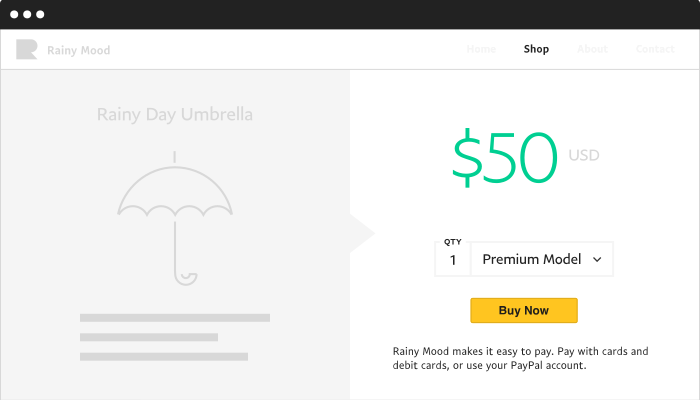
When the buyer clicks Buy Now, PayPal displays the Pay with PayPal page:
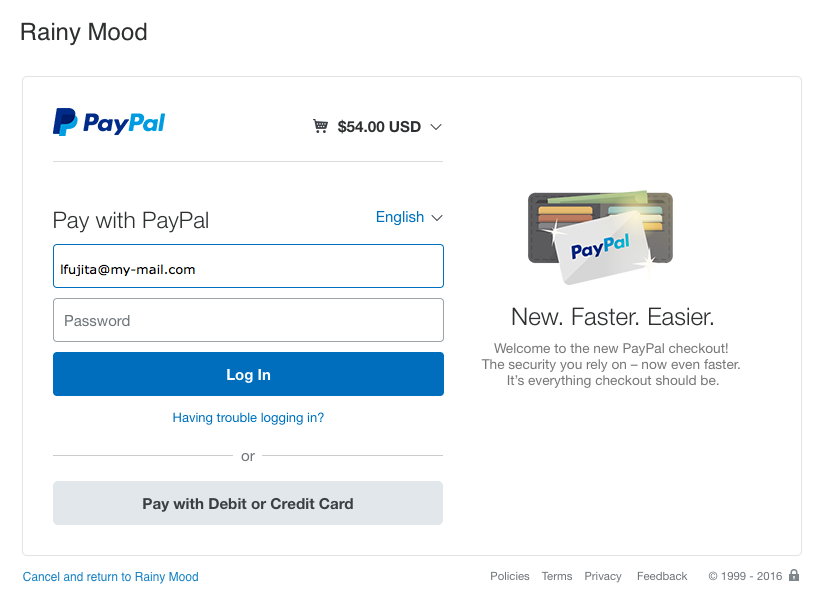
On this page, the buyer can:
If the buyer logs in to PayPal, the Welcome back page is displayed.
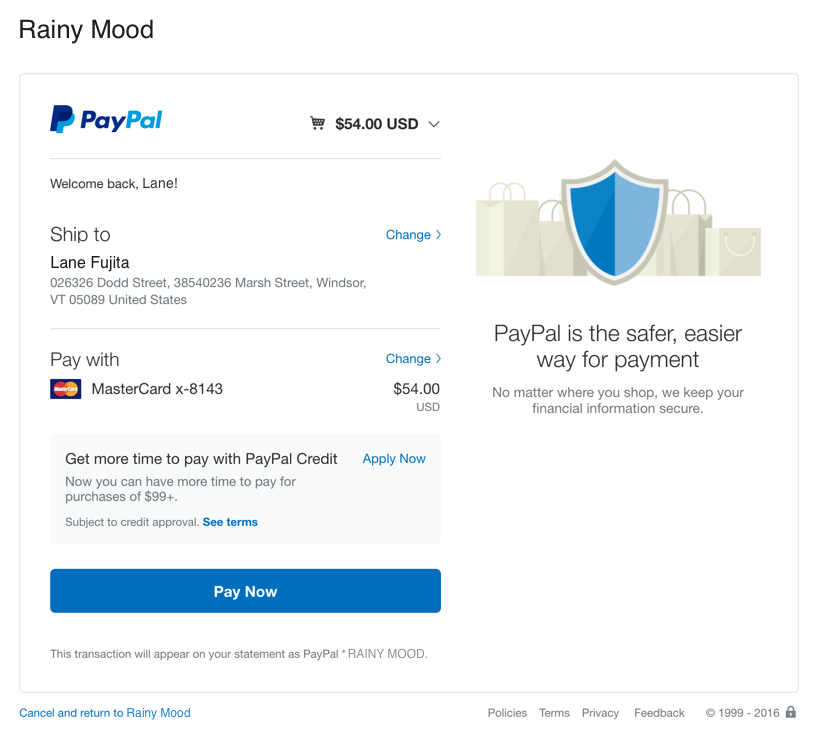
The buyer can view the cart contents and verify or change the shipping and payment details. When the buyer is ready, they click Pay Now.
The buyer can view the cart contents and verify or change the shipping and payment details. When the buyer is ready, they click
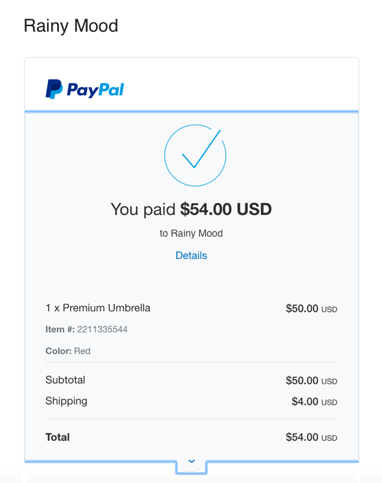
Finally, PayPal sends the buyer an email to confirm the transaction.
If the buyer chooses to pay with a debit or credit card, the Pay with credit or debit card page opens.
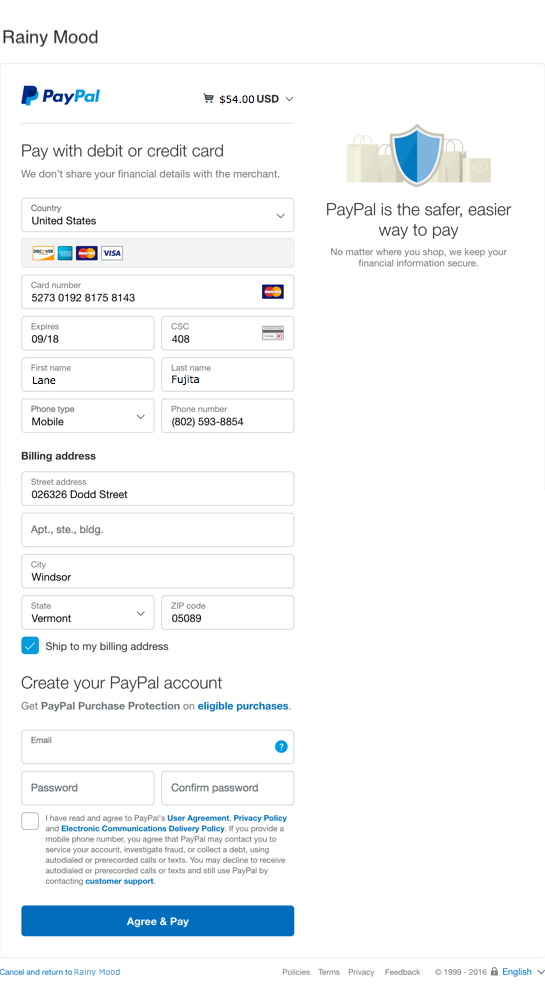
The buyer can:
When the buyer is ready to pay, they click Agree & Pay. The payment is authorized and PayPal displays a confirmation page.
Finally, PayPal sends the buyer an email to confirm the transaction.
Finally, PayPal sends the buyer an email to confirm the transaction.
To enhance the buyer's checkout experience, you can add custom options to your payment button. The following topics describe custom button options and other PayPal Payment Standard product features: