If you accept cookies, we’ll use them to improve and customize your experience and enable our partners to show you personalized PayPal ads when you visit other sites. Manage cookies and learn more
Promote PayPal Pay Later offers using messaging and buttons on your Magento store using Braintree.
PayPal offers short-term, interest-free payments and other special financing options that buyers can use to buy now and pay later. You get paid up-front, and there are no additional costs.
Pay Later messaging includes Pay in 4, which Australian buyers can use to pay for purchases of $1 to $1,999.99 in four, interest-free payments.
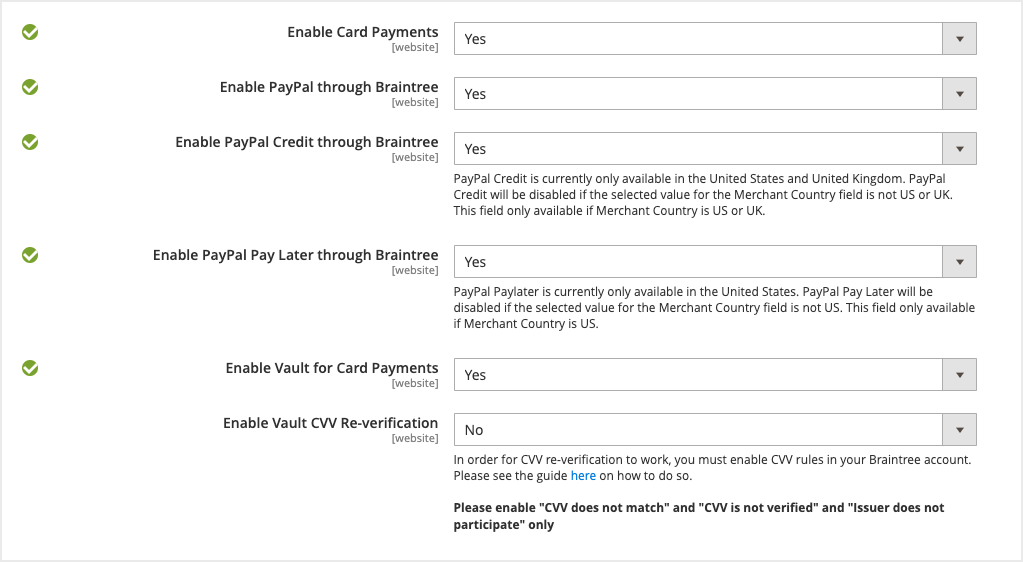
Pay Later messaging is enabled for new merchants. If you're an existing merchant, enable the messaging.
You are eligible to promote PayPal Pay in 4 if you are a PayPal merchant with an Australian-facing website and after making a one-time payment integration. Reference Transaction or Recurring Payment integrations are not eligible, as well as certain merchant categories (such as gambling or foreign exchange).
Please note that while this option provides messaging that can be displayed on your website to help promote this feature to your customers, no additional content, wording, marketing, or other materials should be created by you to encourage use of this product.
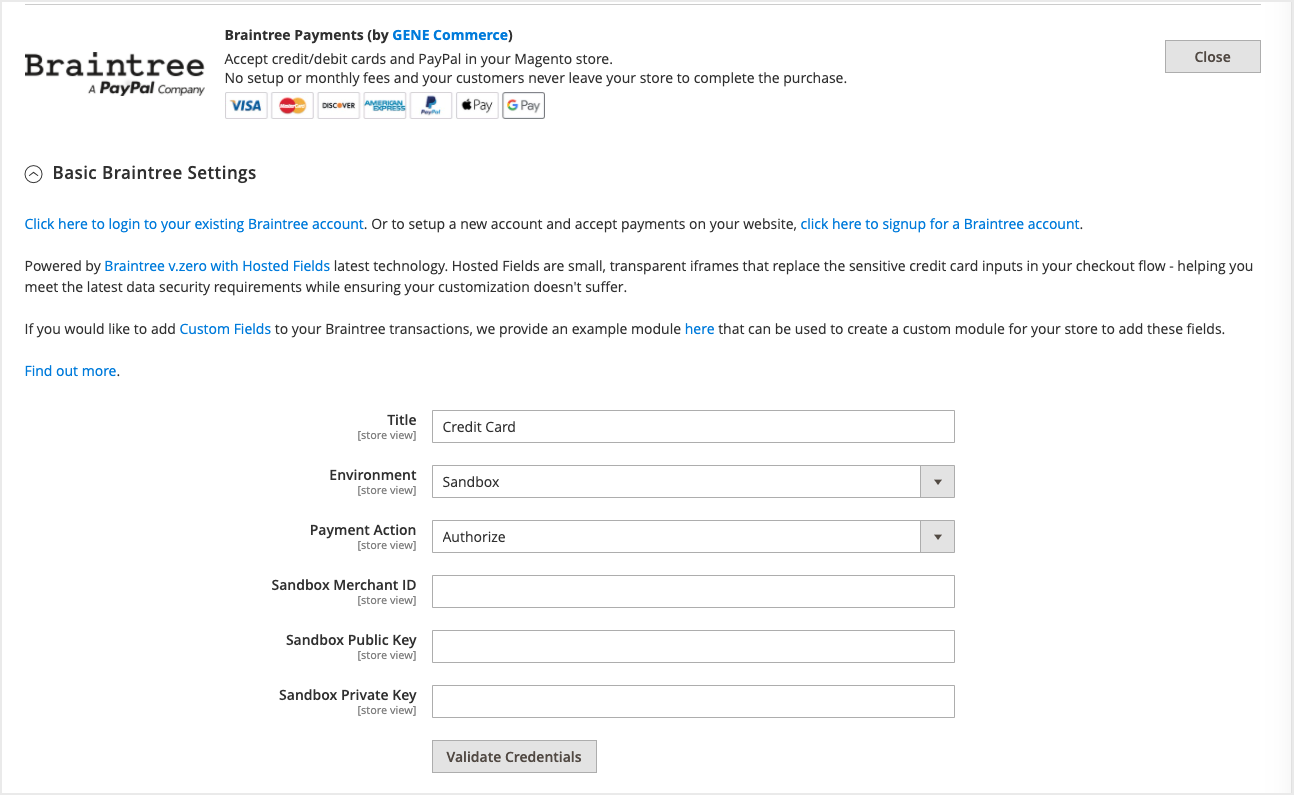
Note: Ensure that you are using Magento 2.4.3 or higher.
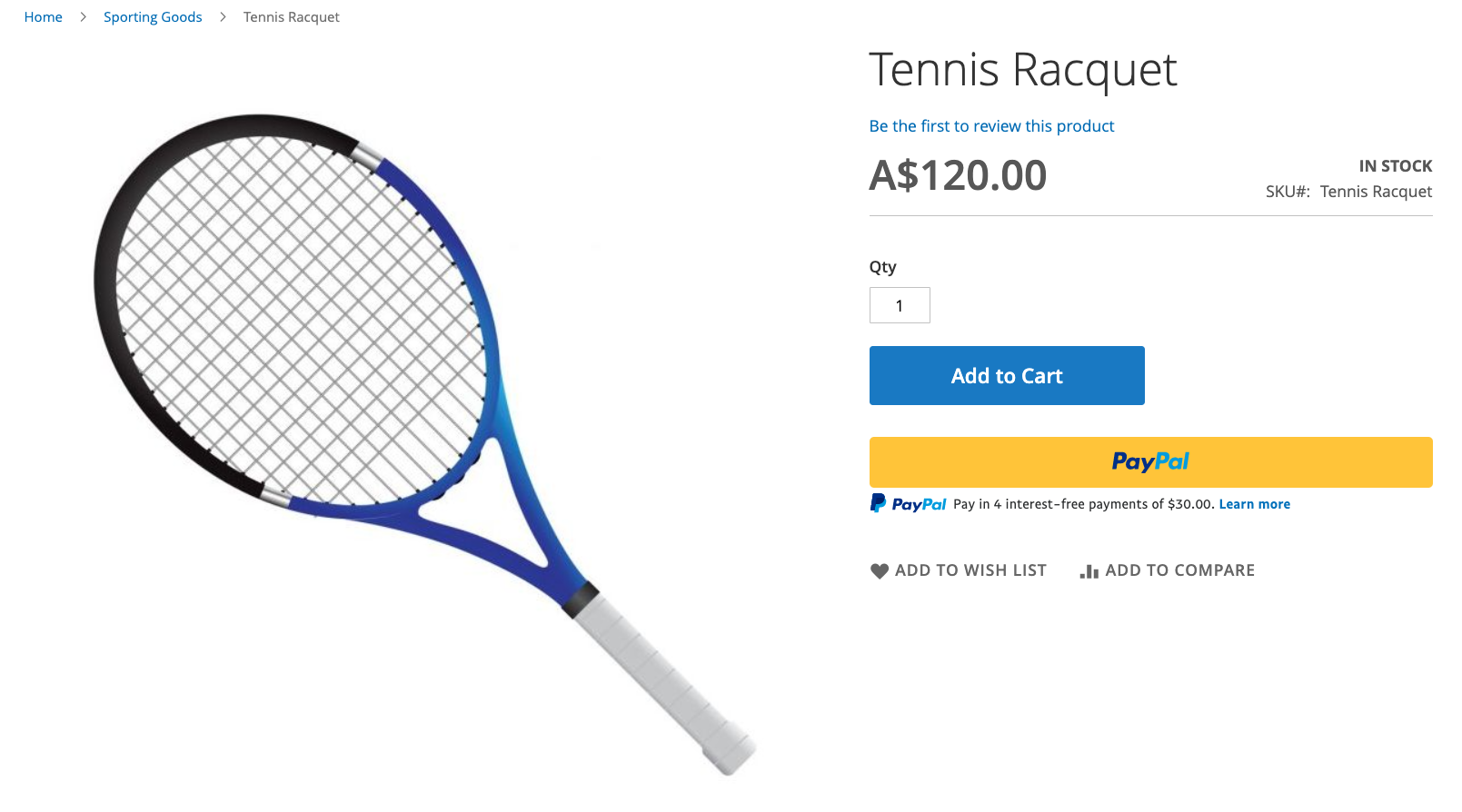
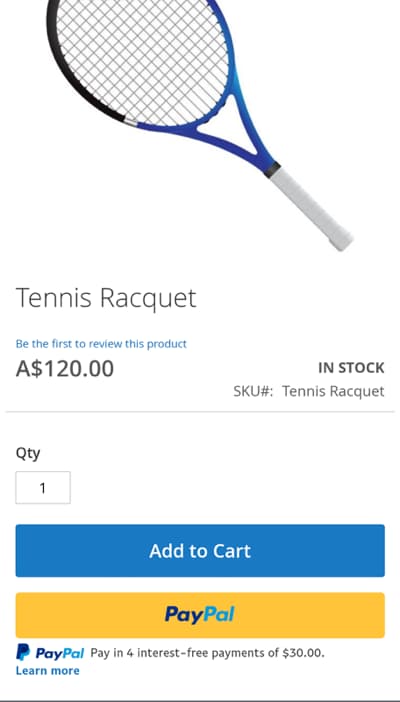
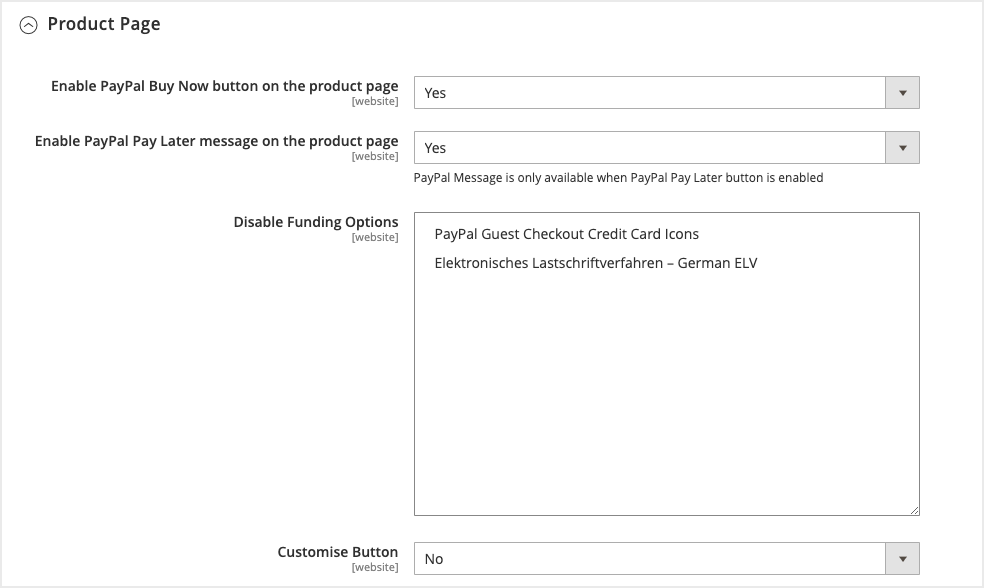
When Pay Later is set to Yes, messaging is enabled by default. It appears on the product pages, mini-cart and cart, and checkout pages.
Messaging can be toggled on and off. To adjust this, go to PayPal through Braintree > Product Page / Mini-Cart & Cart / Checkout Page > Enable PayPal Pay Later message on product page.