On this page
No Headings
Last updated: July 10, 2026
Add Venmo as a payment button to an existing Checkout integration to allow payers to checkout with Venmo.
When you integrate with Venmo, your payers get:
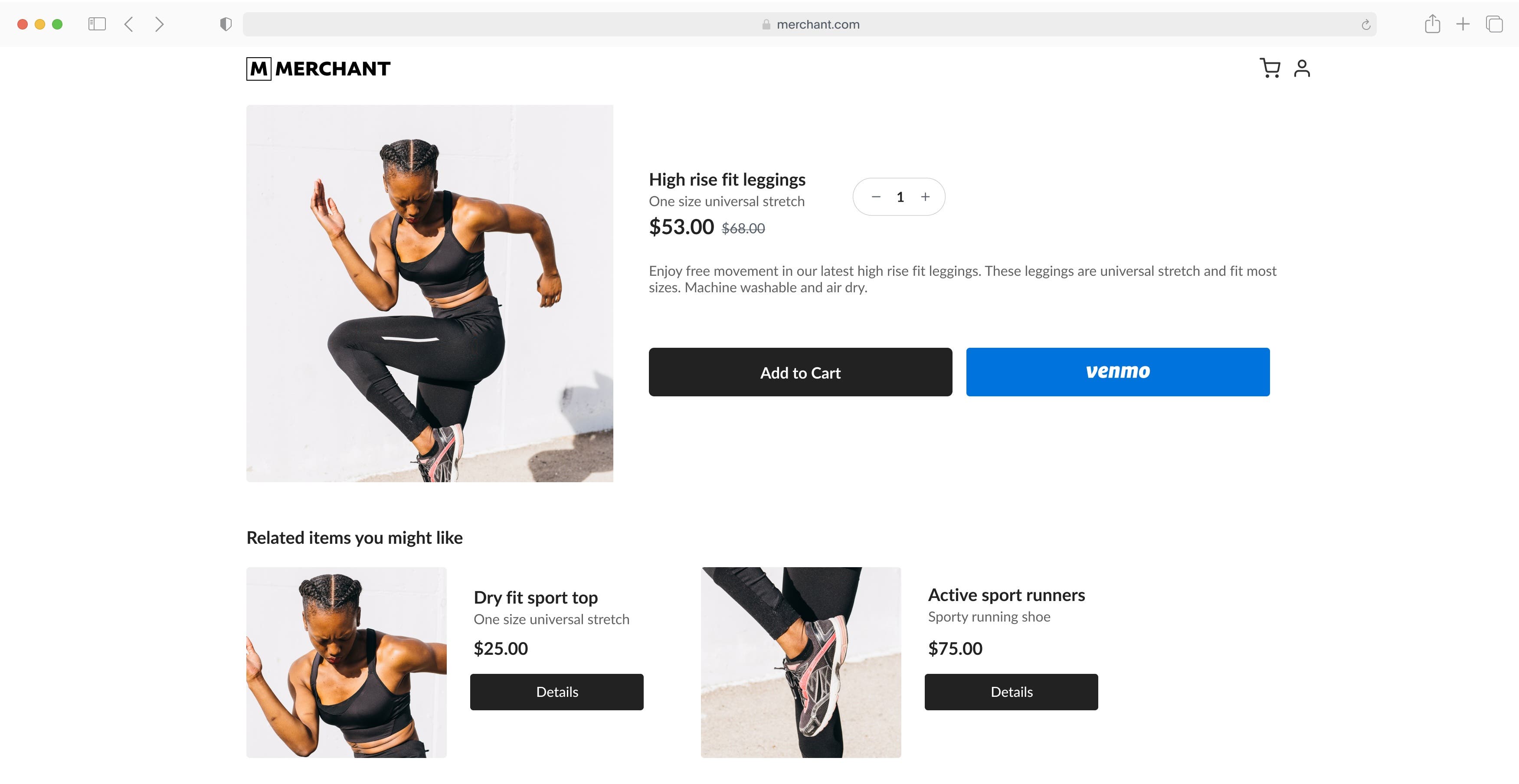
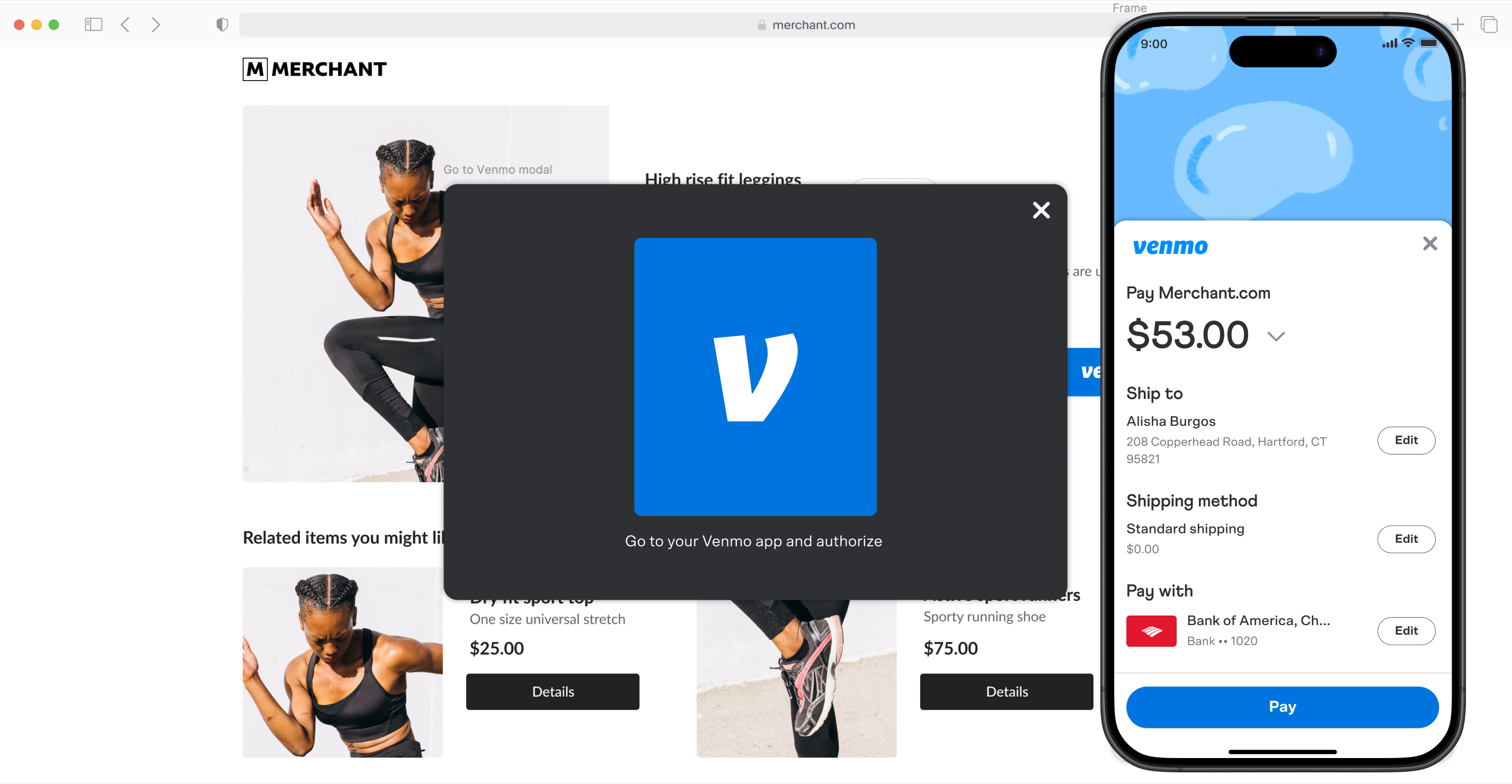
Your existing PayPal buttons display a Venmo button. When payers select Venmo, they can pay in the Venmo app.
Payers can use Venmo on the same pages they use PayPal, including your product page, cart page, and checkout page.
Note: Payers must have the Venmo app installed.
Payers can switch to the Venmo app to authorize and complete the payment.
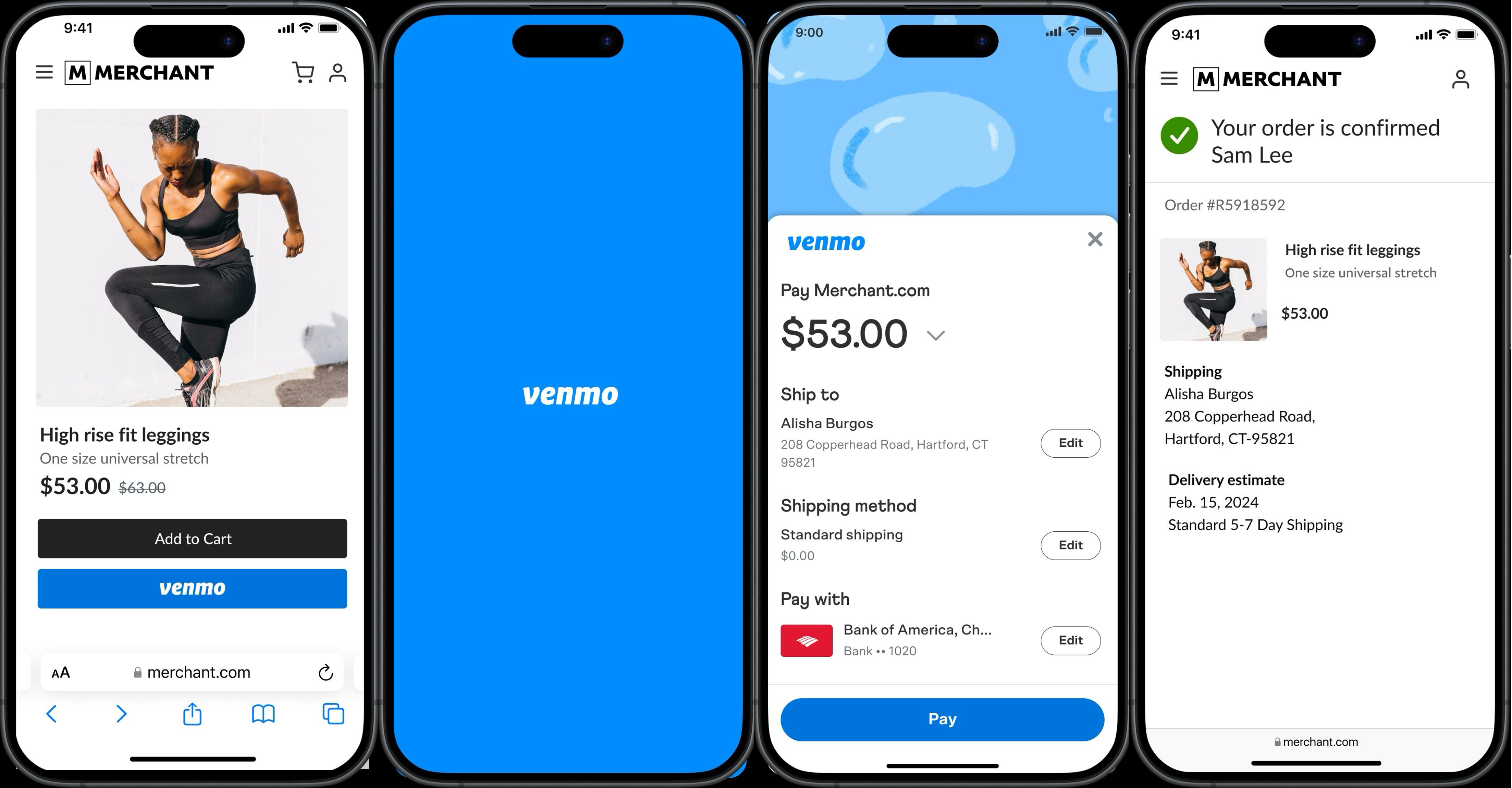
Note: Payers on mobile devices must use Safari on iOS or Chrome on Android.
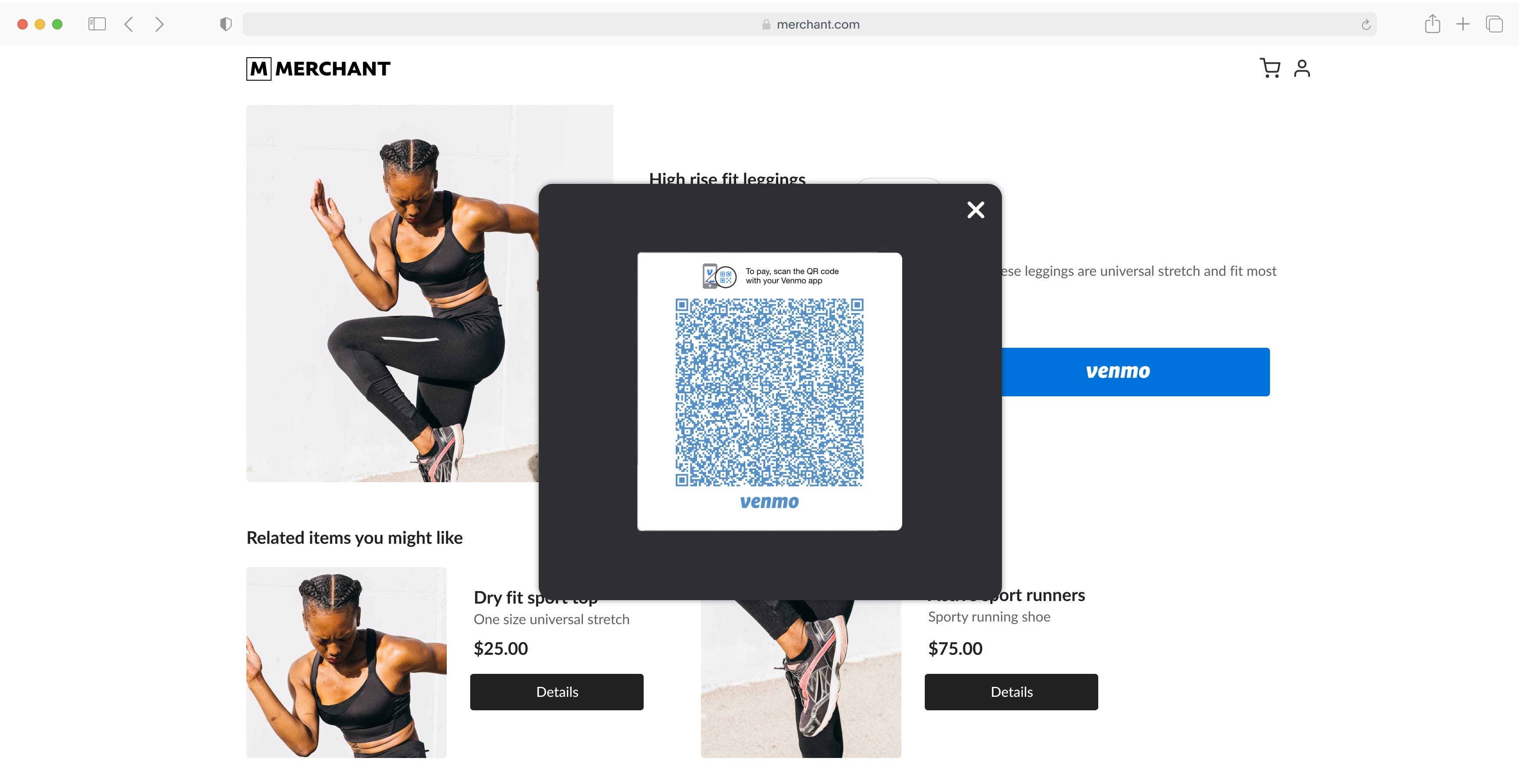
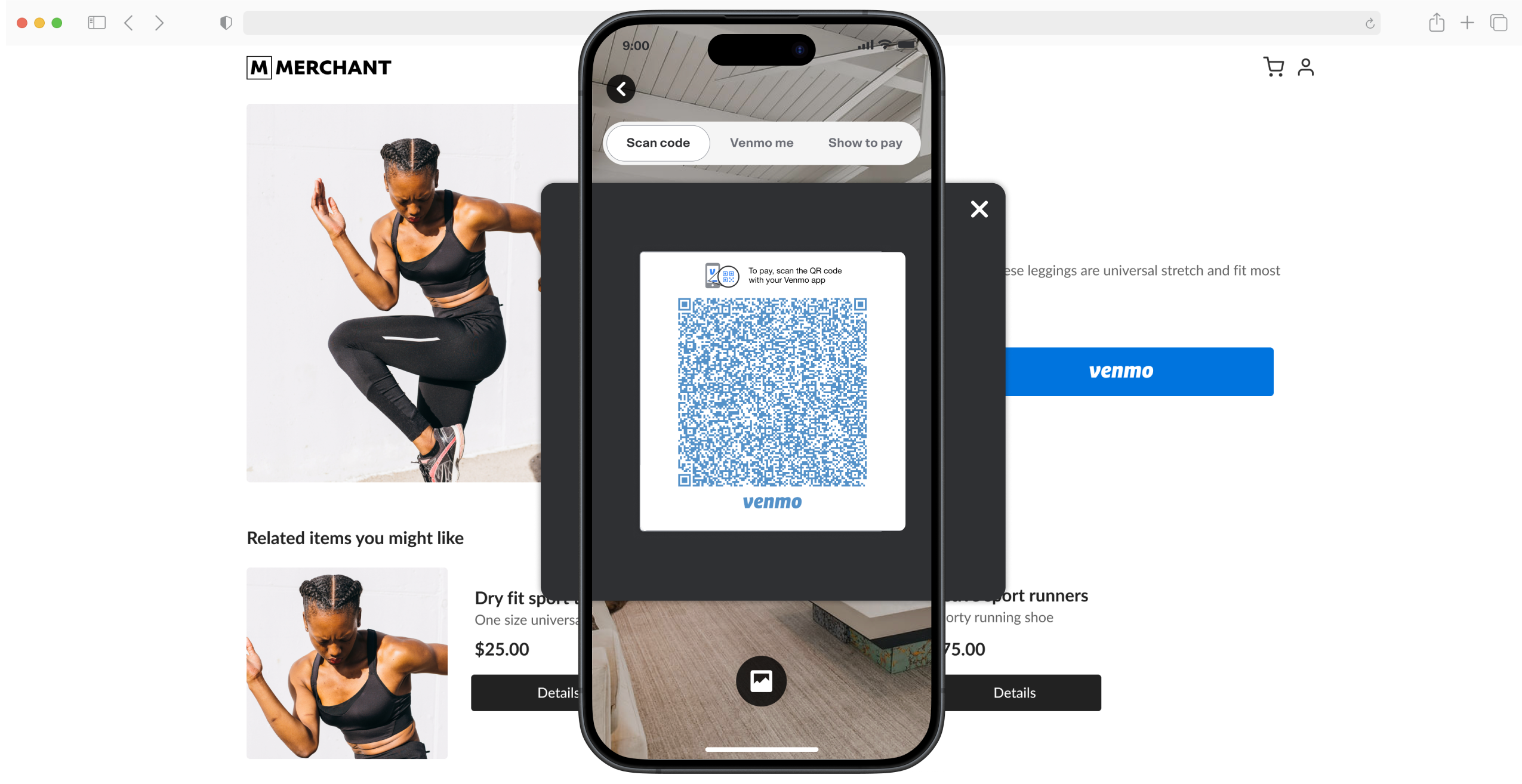
Payers can scan a QR code using their Venmo app to authorize and complete the payment.
| Feature | Supported |
|---|---|
| One-time payments | Yes |
| Authorization and capture | Yes |
| Online purchases | Yes |
| Save Venmo during purchase | Yes |
| Shipping module | Yes |
| Multi-seller payments | No |
| Save Venmo for Purchase later | No |
| Buy online, pay in store | No |
| Contact module | No |
Add the Venmo button to your standard payments integration.
After you integrate, make sure your buttons render in the layout that you want.