Button placement
Last updated: October 14, 2026
Copy / Export
You can place the Log in with PayPal button anywhere on your website or app. To maintain a simple user experience, PayPal recommends that you display the Log in with PayPal button in a highly visible location on your dedicated log in or registration page.
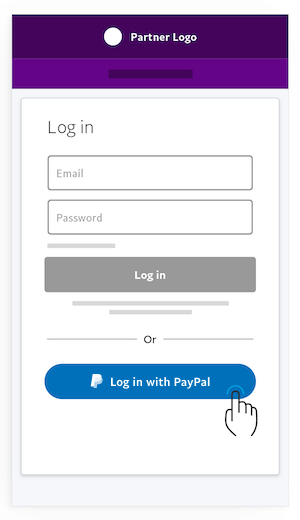
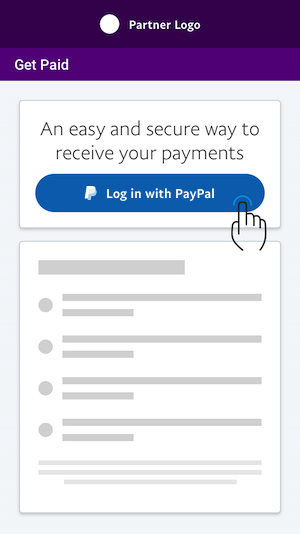
When configuring payout preferences, display the Log in with PayPal button on the page where users go to configure their payment preferences. This might be in the account settings page, or in part of the initial flow for the account configuration.
See also
Log in button references
Explore how user attributes map to OpenID Connect protocols in the Log in with PayPal integration, including scope attributes for authentication.
Log in button design guide
Customize the Log in with PayPal button to match your site or app design. Use the Identity API for consistent design or create your own custom button.