Customize the Pay Later messaging layout on Braintree for WooCommerce
Last updated: October 20, 2026
Copy / Export
Promote PayPal Pay Later products using messaging on your Braintree for WooCommerce store.
PayPal offers financing options that let your customers buy now and pay later, while you get paid up front. For more information about Pay Later, see Buy now, pay later.
Pay Later messaging includes Pay in 4X and Pay in 6, 12 or 24X, which eligible French buyers can use to pay for their purchases.
Know before you begin
-
Before you begin, learn more about Pay Later products.
-
You meet all the eligibility criteria for France.
How it works
These are sample pages that have Pay Later messaging enabled for webpages and mobile devices.
Pay Later messaging on a webpage
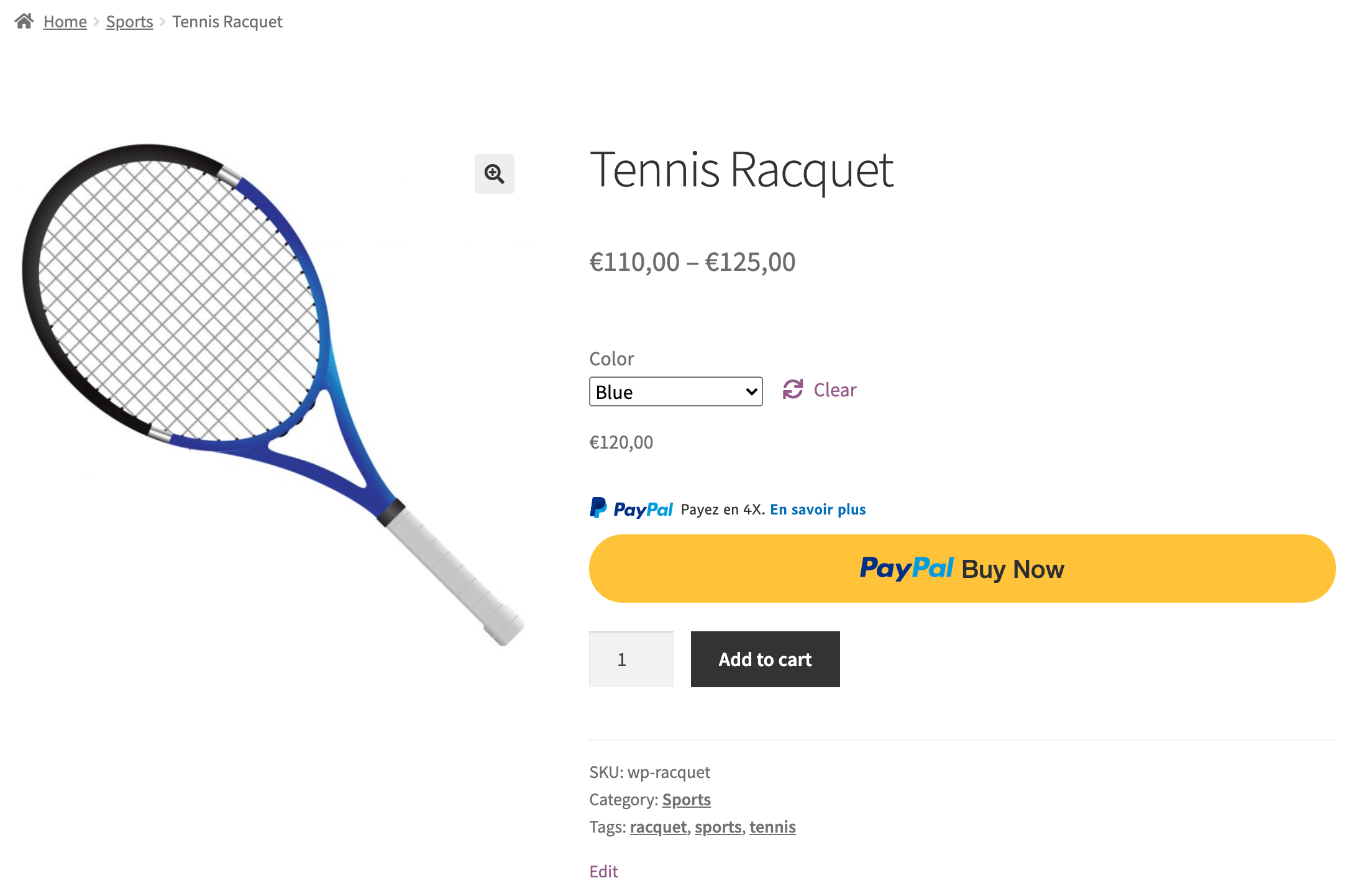
Braintree for WooCommerce
Before you can install Pay in 4X in Braintree for WooCommerce, ensure you have a minimum module version of 2.5.0.
Module integration settings
-
Log in to your WordPress admin panel.
-
Navigate to WooCommerce > Settings > Payments.
-
Select from one of two Braintree modules: Braintree (Credit Card) and Braintree (PayPal). Select your module and set the toggle to Enabled.
-
Select Manage next to either the Credit Card or PayPal settings.
Credit card settings
Refer to this page for credit card settings.
PayPal settings
Refer to this page for PayPal settings.
See also
See the WooCommerce documentation page for Braintree for WooCommerce to learn more about Braintree for WooCommerce.