On this page
No Headings
Last updated: July 6, 2026
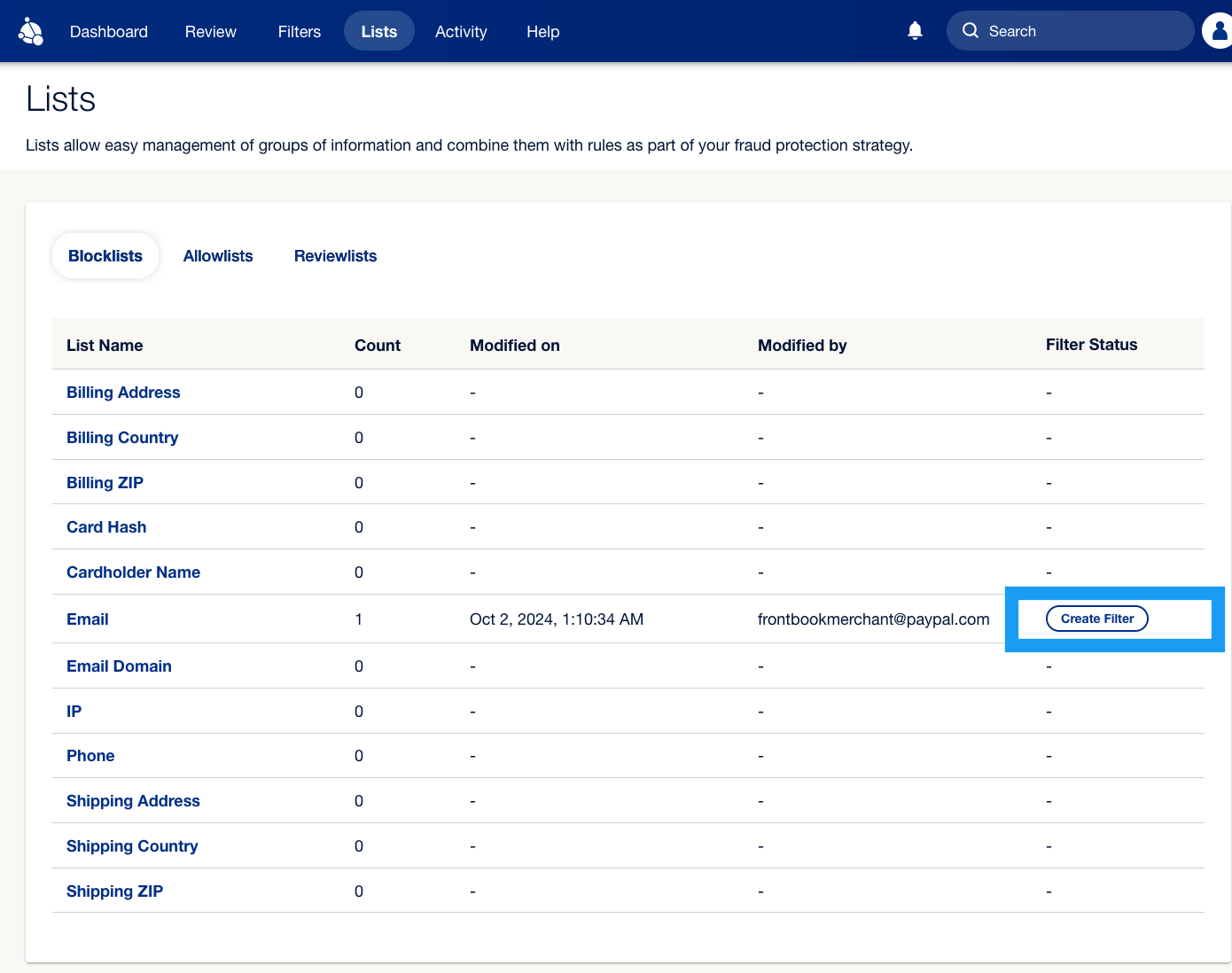
The Lists tab shows the attributes for which you can create lists, the number of items on each attribute list, and whether an active filter is associated with each list.
You can use Blocklists to prevent known bad actors and Allowlists to ensure your trusted customers can check out smoothly. Reviewlists automatically queue transactions with specific attributes for manual review, allowing your team to decide whether to approve or reject them.
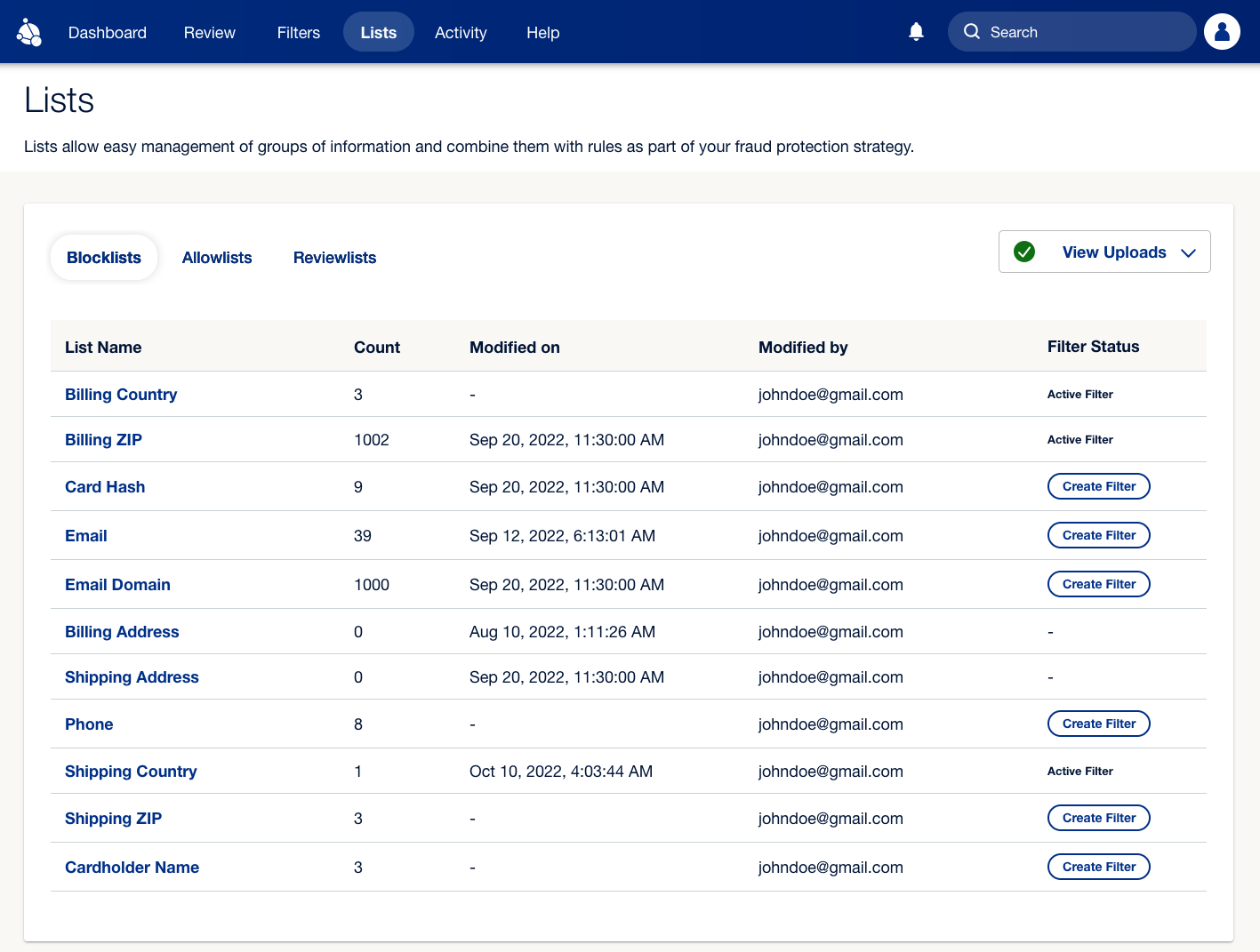
Fraud Protection Advanced (FPA) provides Blocklists, Allowlists, and Reviewlists by default for each of the following attributes:
You can add items to lists using the following steps:
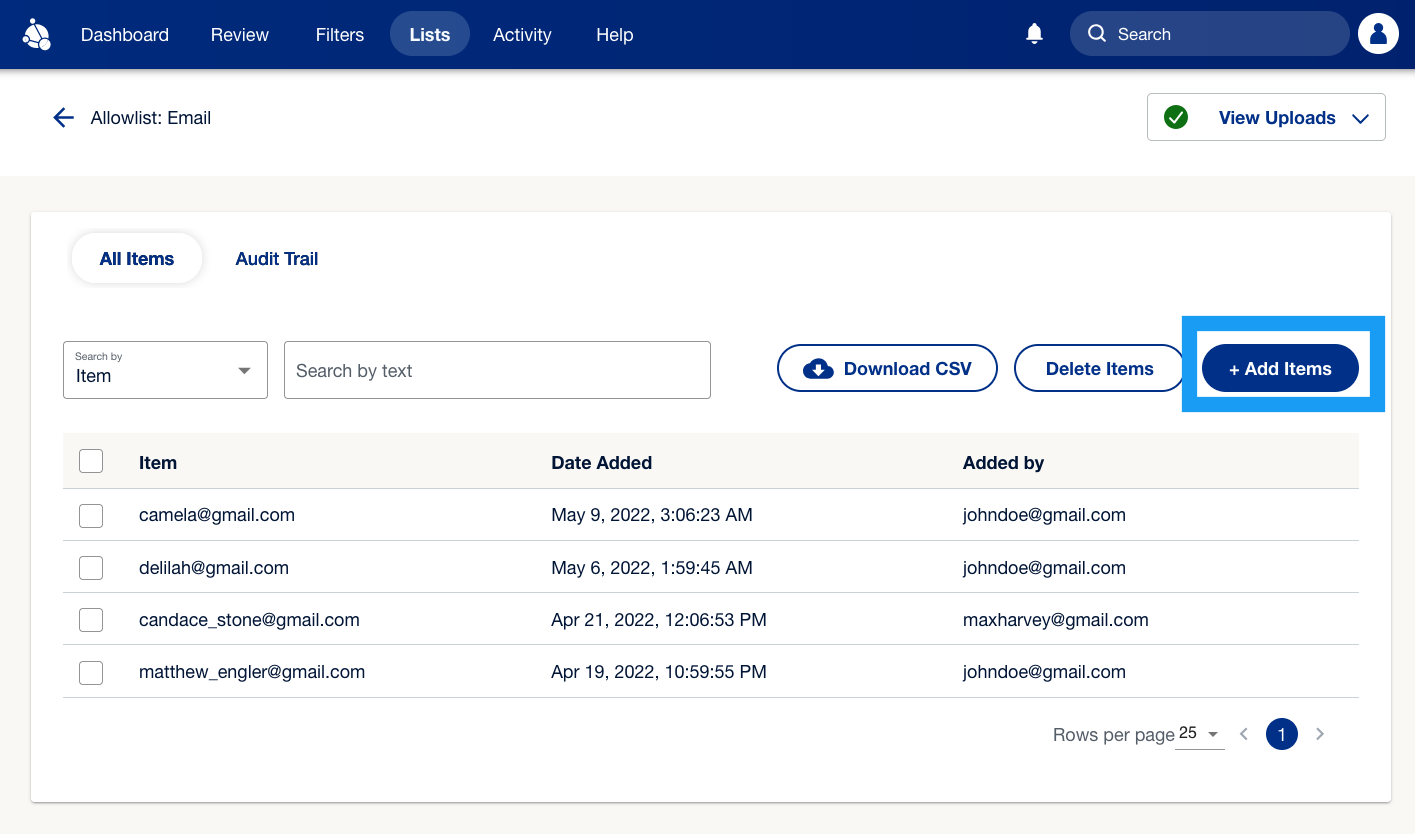
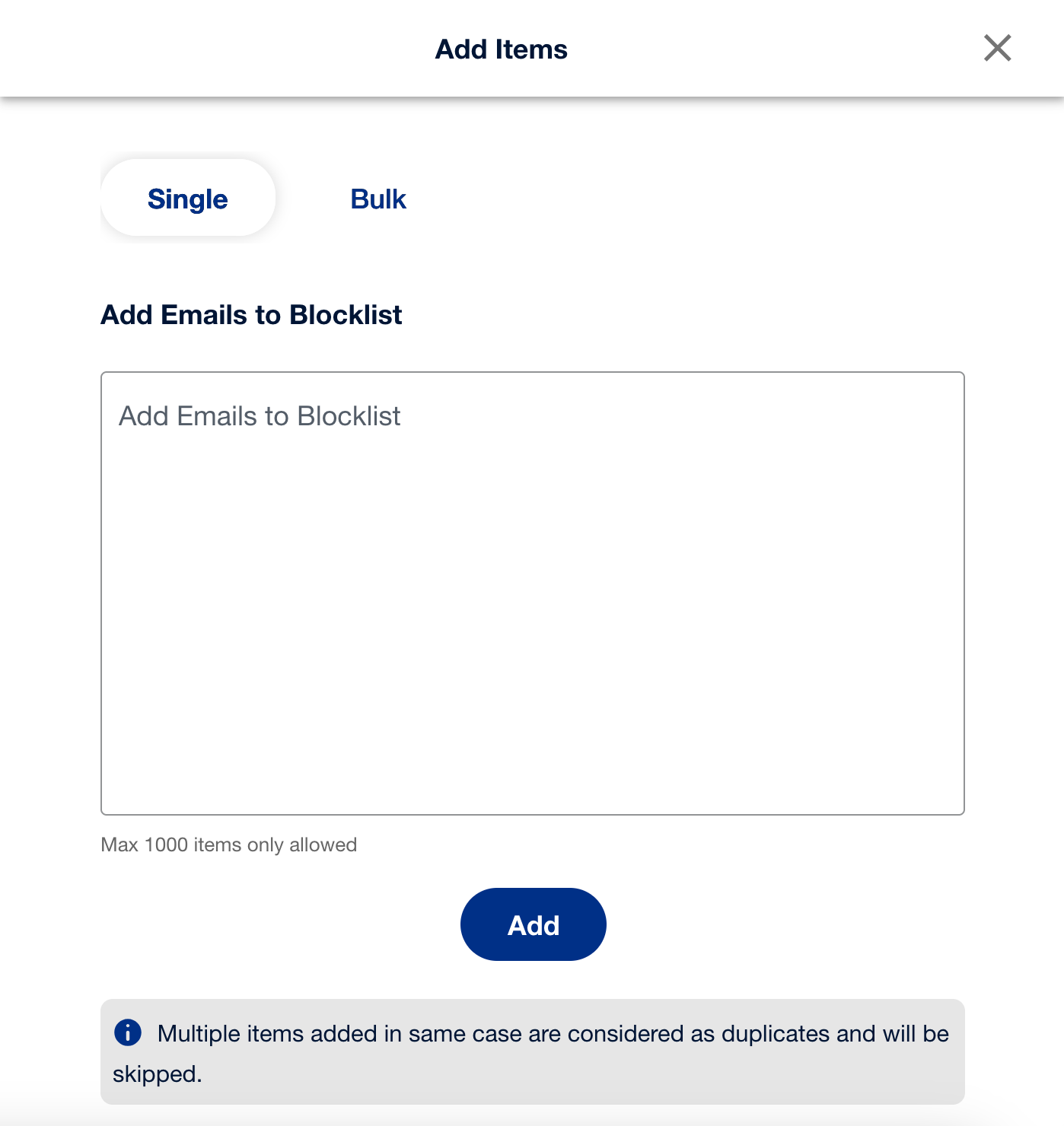
.csv file to add multiple emails in bulk. Select Add to proceed.
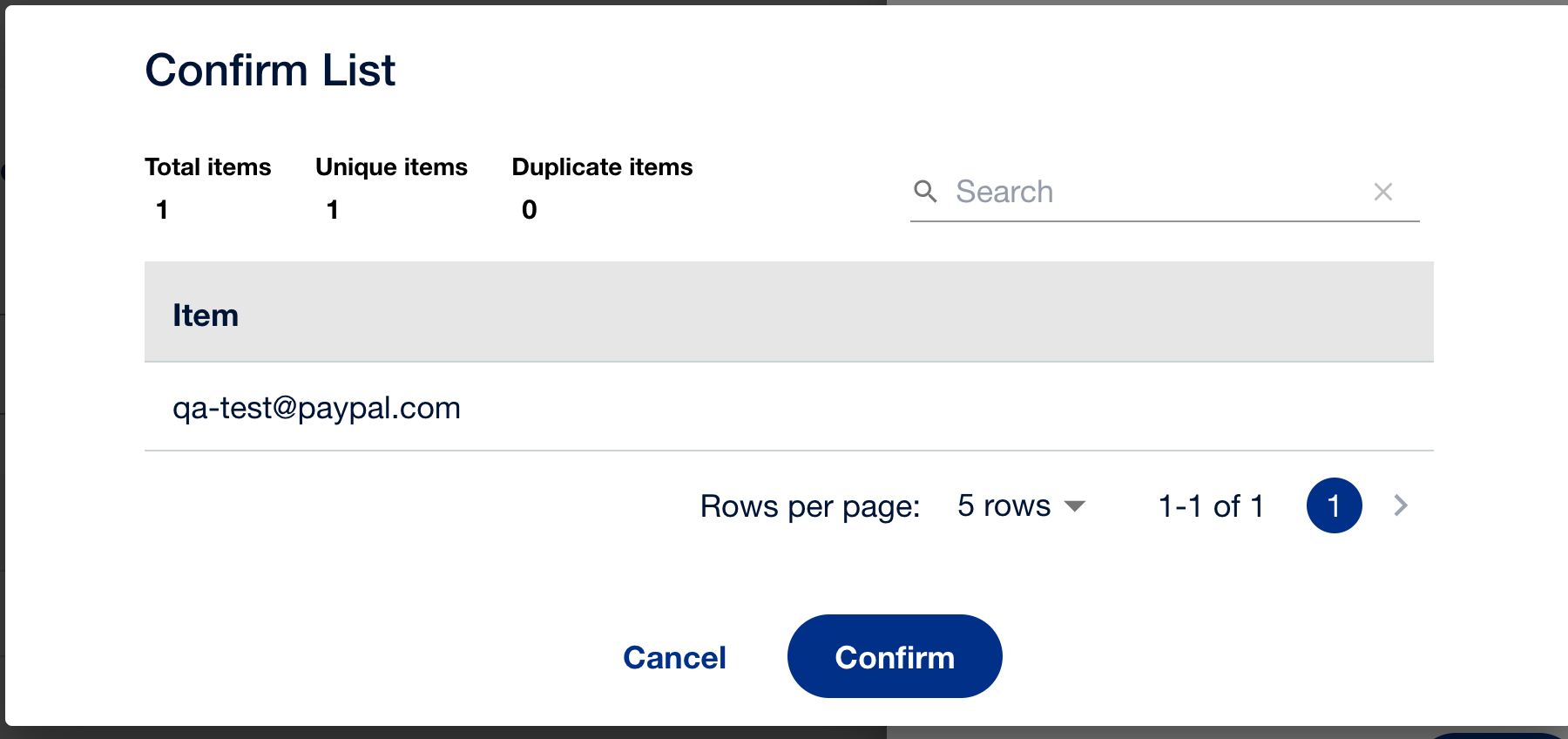
Adding an item to the list does not ensure that the filter for the list will work for the newly added item. You need to create a filter again and specify the necessary conditions. Select Create Filter to set up the filter as shown below.
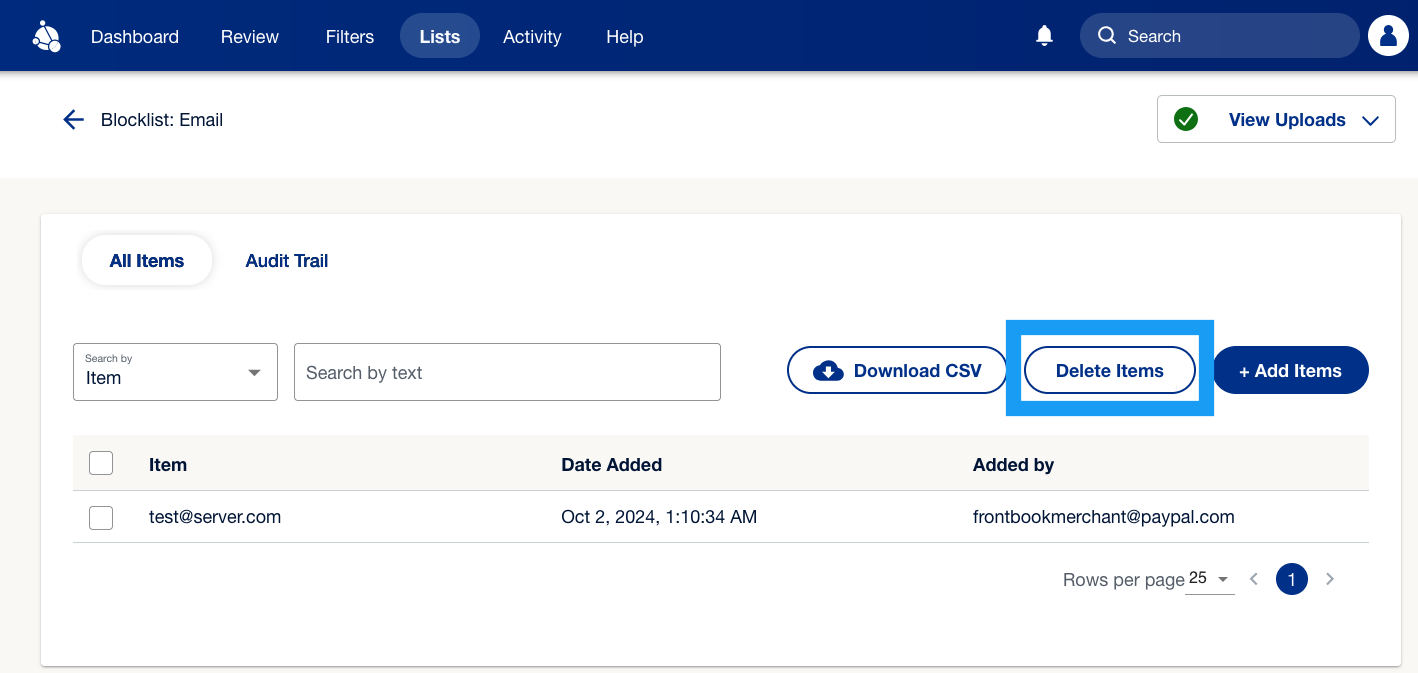
You can delete items as well by selecting an item from the respective list and then selecting Delete Items.
Use filters to decide whether FPA approves, rejects, or puts a transaction into a review queue.
Review transactions that are flagged for review.
You can track which users made changes and when these changes occurred.