Credit Messaging Reference Tables
Last updated: Aug 15th, 8:02am
The following tables show the values for custom elements contained in the Code Samples.
Messages Function
Create a PayPal Credit message object by calling the paypal.Messages function with the following parameters. Returns a PayPal Credit message object.
| Value | Type | Description |
|---|---|---|
| Configuration Object | Object | Configures credit message |
Message Object
The PayPal Credit message object contains the following properties
| Property | Type | Description |
|---|---|---|
render | Function | Determines where to render the credit message on the page. Accepts a valid CSS selector string, single HTMLElement reference, or array of HTMLElement references. Returns a Promise that resolves after all messages have rendered to the DOM. |
Configuration Object
| Options | Type | Description |
|---|---|---|
account | String | Your specific merchant account ID provided by PayPal. To find out your account ID, go to https://www.paypal.com/businessmanage/settings/aboutBusiness (Business Accounts only). If omitted from the configuration object, it must be present as the attribute data-pp-account value on the messaging.js script tag. |
amount | Number | The product price or cart amount in dollars. For example, \$598.94 = 598.94. This field is only required by merchants who offer PayPal Credit Easy Payments and want to display monthly payment amounts to their consumers. The monthly payment amount is determined by the merchant's Easy Payments financing terms and the product cost. |
style | Object | Style options for credit messaging. (Default shows contextual messaging with the primary logo positioned to the left.) |
countryCode | String | The two-character code of the country in which the website will display the credit message. Your PayPal account's country will be used if omitted. |
onRender | Function | Callback function called immediately after each message has been successfully rendered to the DOM. |
Note: Please note that the preview images below may not reflect the actual size or message content displayed when rendered onto your website.
Style Options
- Inline HTML attribute:
data-pp-style-layout - Configuration object property:
style.layout
Set either option to one of these values:
| Value | Description | Preview |
|---|---|---|
text | Default. Lightweight, contextual message. |  |
flex | Responsive display banner. See below for the supported ratio sizes and colors. | 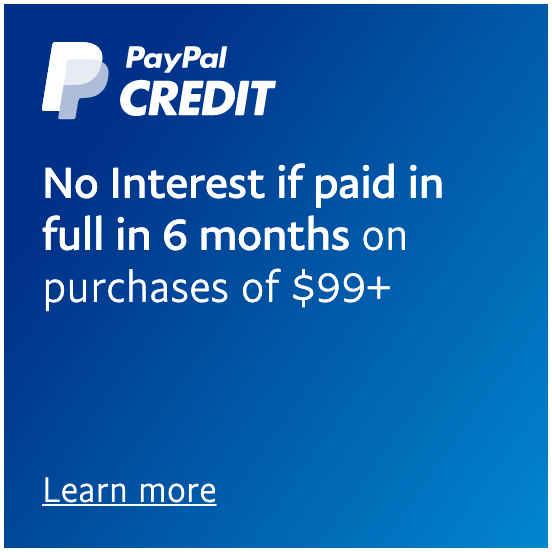 |
Text Layout Type
The following options are available to messages with a data-pp-style-layout or style.layout value of text.
Logo Type
- Inline HTML attribute:
data-pp-style-logo-type - Configuration object property:
style.logo.type
Set either option to one of these values:
| Value | Description | Preview |
|---|---|---|
primary | Default. Stacked PayPal Credit Logo. | |
alternative | Single line PayPal Credit Logo. | 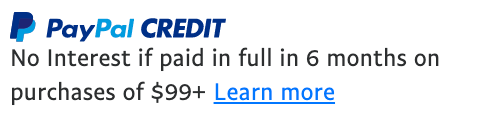 |
inline | Single line PayPal Credit Logo without monogram. |  |
none | No logo. Text only. |  |
Logo Position
- Inline HTML attribute:
data-pp-style-logo-position - Configuration object property:
style.logo.position
Note: This option is only available with logo.type values: primary, alternative
Set either option to one of these values:
| Value | Description | Preview |
|---|---|---|
left | Default. Logo left of the text. | |
right | Logo right of the text. |  |
top | Logo above the text. | 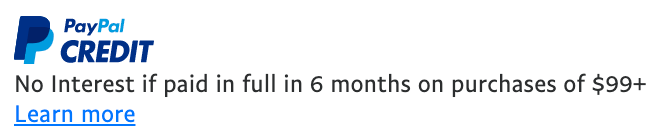 |
Text Color
- Inline HTML attribute:
data-pp-style-text-color - Configuration object property:
style.text.color
Set either option to one of these values:
| Value | Description | Preview |
|---|---|---|
black | Default. Black text with a colored logo. | |
white | White text with a white logo. |  |
Flex Layout Type
The following options are available to messages with a data-pp-style-layout or style.layout value of flex.
Color
- Inline HTML attribute:
data-pp-style-color - Configuration object property:
style.color
Set either option to one of these values:
| Value | Description | Preview |
|---|---|---|
blue | Default. Blue background with white text and white logo. | |
black | Black background with white text and white logo. | 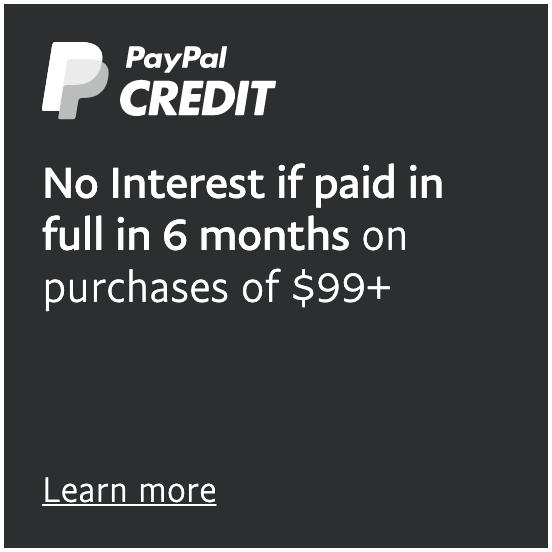 |
white | White background with blue text, colored logo, and blue border. |  |
white-no-border | White background with blue text and colored logo. | 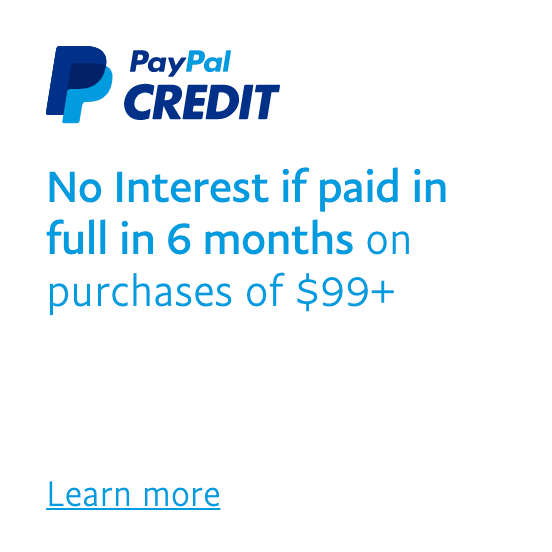 |
gray | Light gray background with blue text and colored logo. | 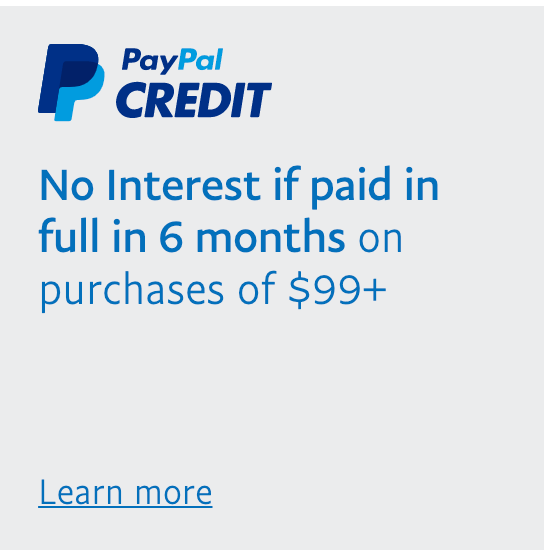 |
Ratio
- Inline HTML attribute:
data-pp-style-ratio - Configuration object property:
style.ratio
Set either option to one of these values:
| Value | Description | Preview |
|---|---|---|
1x1 | Default. Ratio of 1x1 that flexes between 120px and 300px wide. | |
1x4 | Ratio of 1x4 that is 160px wide. |  |
8x1 | Ratio of 8x1 that flexes between 250px and 768px wide. |  |
20x1 | Ratio of 20x1 that flexes between 250px and 1169px wide. |  |