
Plan your Merchant Account IDs
Understanding MAIDs
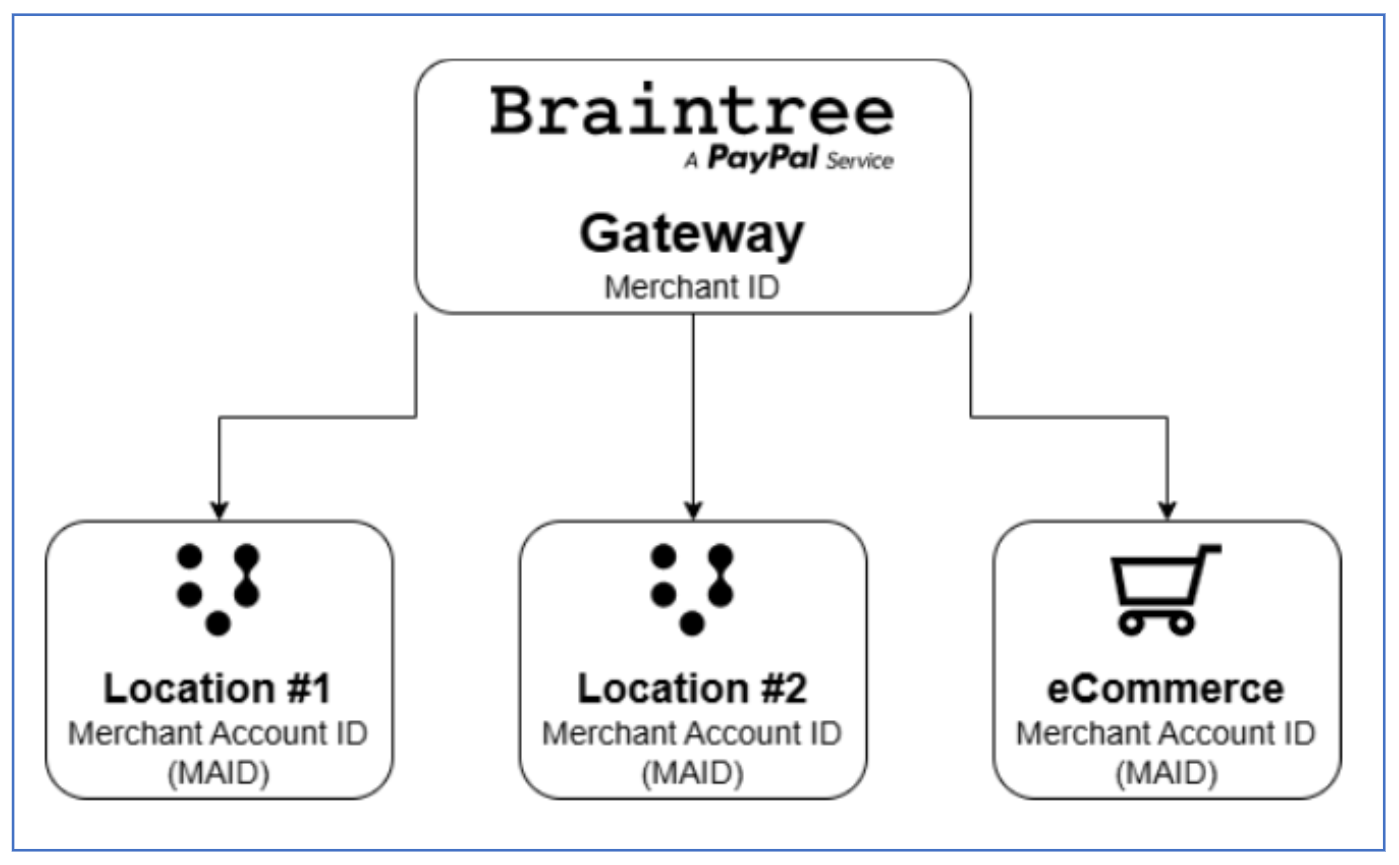
A Merchant Account ID (MAID) is a unique identifier within your Braintree gateway that allows you to logically separate transactions by location, channel, or business unit. Within the Braintree gateway, you create MAIDs to logically separate physical locations where Verifone terminals are deployed. You can also create additional MAIDs for ecommerce.
Note
If you already use a Braintree gateway, your existing
gateway is enabled for Verifone processing.
Bulk Merchant Account ID onboarding
When onboarding multiple store locations, you may need many MAIDs. Braintree provides two options for bulk onboarding:
Using Intake APIs
Use the Braintree Intake API for bulk onboarding by submitting store or sub-merchant applications programmatically.
- Use the Intake API to create merchant accounts. See the Creating Applications for Merchant Accounts onboarding integration guide for more details.
-
To onboard an in-person merchant account through the API, pass the
value
IN_PERSONin theproductsfield of thecreateBusinessAccountmutation.
Using file-based upload (CSV uploader)
Use the file-based Application Uploader for bulk onboarding by filling in a CSV template.
- Contact your Braintree Account Manager and Solution Engineer to enable the bulk uploader.
- When enabled, log in to your Braintree gateway, click the gear icon in the top right, select Business, then select Applications in the sub-header.
-
To onboard an in-person merchant account, pass the
value
IN_PERSONunderadditionalCapabilities.