
Merchant Connect Flow

User experience
When the merchant clicks the button, they will be redirected to a Braintree-hosted page that's cobranded with PayPal powered by Braintree and the logo you provided in your OAuth configuration. They will then be prompted to log into an existing Braintree account, using either their PayPal credentials or their Braintree credentials.
Login flow
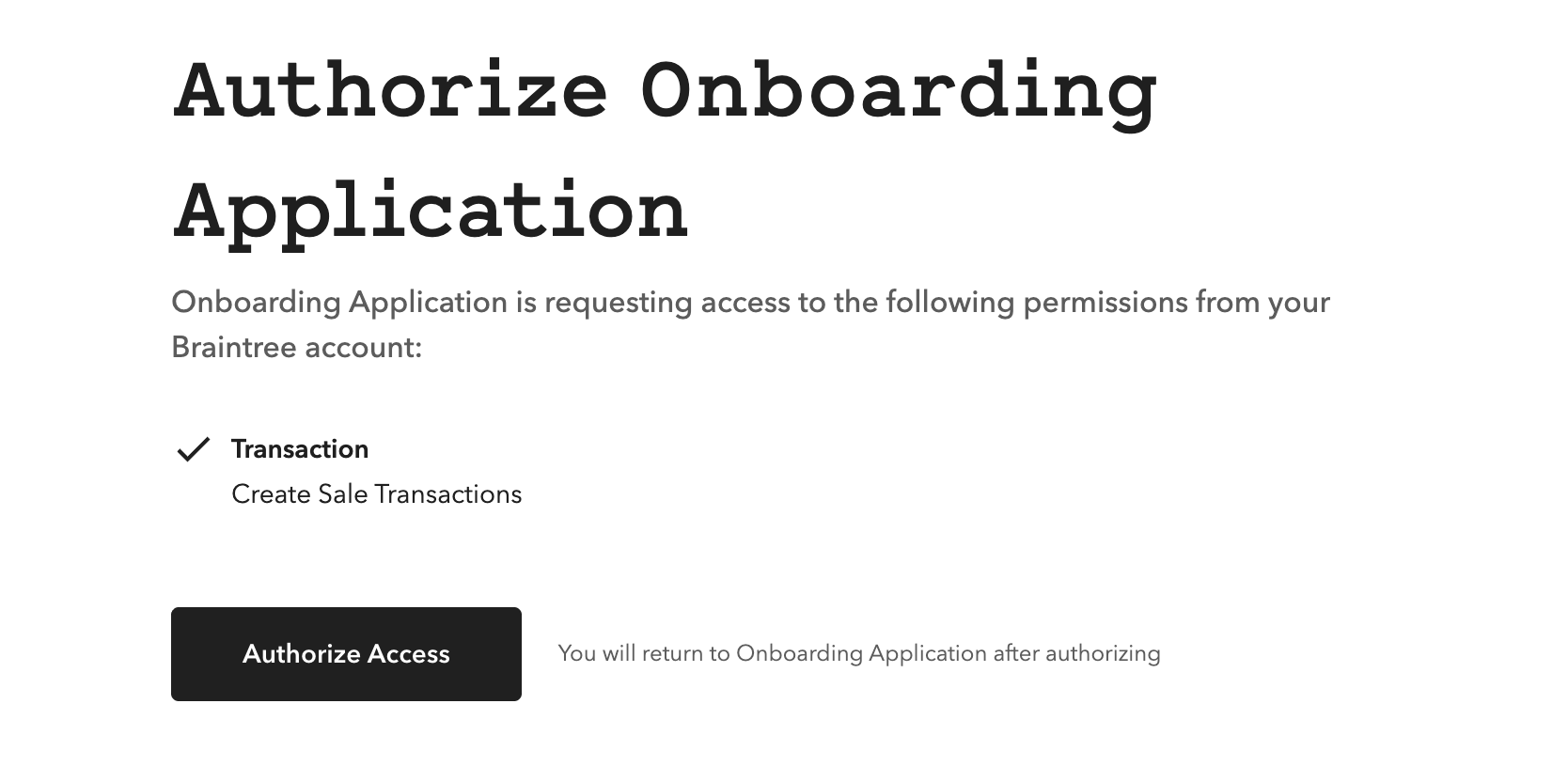
If the merchant logs into an existing Braintree account, they will be immediately presented with the
Authorize step. This is where they will grant you the specific permissions you define in your OAuth
scope so you can interact with their Braintree account on their behalf. This example shows an
Authorize page giving transaction:sale permission.
 Clicking the Agree and Return button redirects the merchant back to a URI you allowlisted as part of
the OAuth configuration.
Clicking the Agree and Return button redirects the merchant back to a URI you allowlisted as part of
the OAuth configuration.